The project review is in an hour. The planning engineer asks a simple question: how many people were on Block B yesterday, and what were they doing? The site engineer opens WhatsApp, scrolls to last night's message, finds “Total 38 labour, work going on,” and shrugs.
A daily manpower report (DMR) is a one-page record of the labour and staff present on a construction site each day, broken down by trade and contractor. A good format shows planned and present headcount, absentees, hours and overtime, and the activity or location each gang worked on, plus your own engineers and supervisors. Totalled over a month, it gives labour-days per contractor, which is what you check labour bills against.
Why bother, when there's already a muster roll?
Because the muster roll answers “who came?”, and the DMR answers “what did we have to work with, and where did it go?” Project managers use it to explain progress and delays, planners use it to forecast, and accounts use the monthly total to check contractor bills.
What a Daily Manpower Report Should Include
Header and columns
- 1Header: project, site, date, weather, prepared by and verified by.
- 2Trade or category: mason, helper, carpenter (shuttering), bar bender, electrician, plumber, painter, welder, tile layer and others.
- 3Contractor: which labour contractor or subcontractor supplied the gang, or own staff.
- 4Planned vs present: what the plan needed and who actually turned up.
- 5Absent: calculated automatically.
- 6Total hours and overtime hours, for night pours and extended shifts.
- 7Activity and work location, such as Block B 4th floor brickwork or Block C slab shuttering.
- 8Own staff: engineers, supervisors, safety officer and store keeper, listed separately.
- 9Key work done, issues or delays, and sign-offs at the bottom.
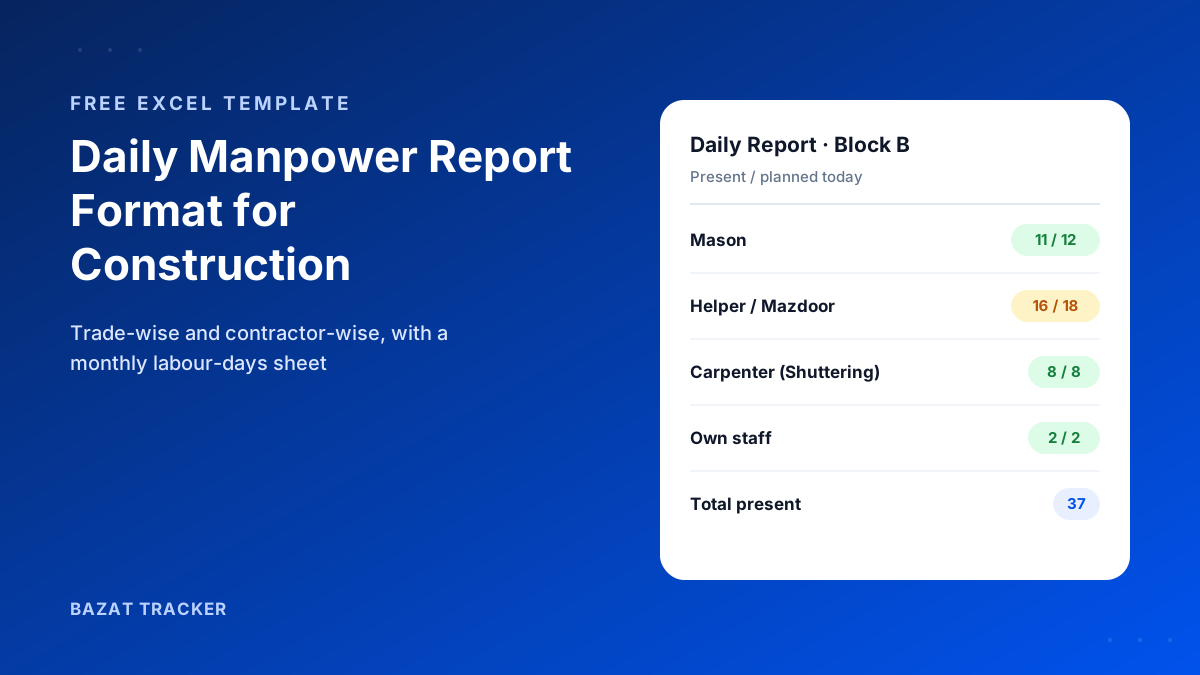
Free Download · Excel
Daily Manpower Report Format for Construction
A daily Excel report plus a monthly labour-days sheet for checking contractor bills.
- Trade-wise and contractor-wise daily report
- Automatic absent count and totals
- Hours, overtime and work location columns
- Own-staff rows for engineers and supervisors
- Monthly labour-days sheet by contractor
- Print-ready on A4, landscape
Sample Daily Manpower Report Format in Excel
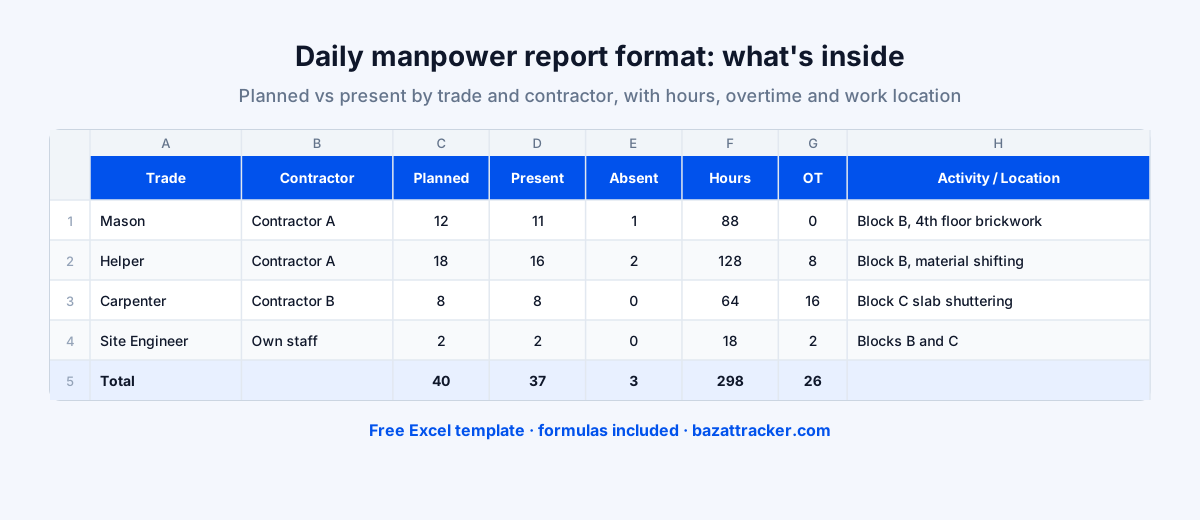
Here's how a filled-in day looks in the Daily Report sheet. One row per trade per contractor, so the monthly totals per contractor work, and own staff on their own rows.
Daily manpower report: Block B & C, one day (illustrative)
| Trade | Contractor | Planned | Present | Absent | Hours | OT hrs | Activity / location |
|---|---|---|---|---|---|---|---|
| Mason | Contractor A | 12 | 10 | 2 | 80 | 4 | Block B, 4th floor brickwork |
| Helper | Contractor A | 18 | 16 | 2 | 128 | 0 | Block B, 4th floor brickwork |
| Carpenter (shuttering) | Contractor B | 8 | 8 | 0 | 64 | 8 | Block C, slab shuttering |
| Bar bender | Contractor B | 6 | 5 | 1 | 40 | 0 | Block C, slab reinforcement |
| Electrician | Own staff | 2 | 2 | 0 | 16 | 0 | Block A, conduiting |
| Total | 46 | 41 | 5 | 328 | 12 |
Figures are an example, not real site data. In the template, Absent = Planned − Present and the Total row are formulas; Hours assume an 8-hour shift.
How to Use It on Site
Daily routine
- 1By mid-morning, once the gangs have settled, enter present headcount by trade and contractor.
- 2Record the activity and location for each gang, in specific terms (block, floor, element).
- 3At day end, add hours and overtime, and note key work done and any delays (rain, material shortage, inspection hold).
- 4Have the site engineer prepare it and the project manager or planning engineer verify it.
- 5Copy each day's present count per contractor into the Monthly Labour-Days sheet.
- 6At month end, compare each contractor's total labour-days with their bill.
That last step is where the report pays for itself.
If a contractor bills for 1,080 labour-days and your daily reports add up to 1,012, you have a specific number to discuss instead of a general suspicion. The more specific the daily entries, the stronger your position.
Making the DMR Useful, Not Just Filled
Habits that help
- 1Write activities precisely. “Work going on” tells a planner nothing; “Block B 4th floor brickwork, 60% done” does.
- 2Always separate contractors, even when gangs work side by side.
- 3Record weather and stoppages. They explain low productivity days later.
- 4Keep own staff in the report. Engineer and supervisor presence matters for quality and safety audits.
- 5Fill it the same day. A DMR written at the end of the week is a guess.
Common Mistakes
Avoid these
- 1Copying the contractor's count straight into the report without checking.
- 2Counting workers who moved between nearby sites at both sites.
- 3Leaving out overtime, then arguing about it when the bill arrives.
- 4Using different trade names on different days, which makes monthly totals impossible.
- 5Not getting the report verified by someone other than the person who prepared it.
From Typed Report to Verified Headcount
Here's the weak point of every DMR:
The numbers come from someone counting, often the contractor's own supervisor. If the count is wrong, every report and every bill check built on it is wrong too.
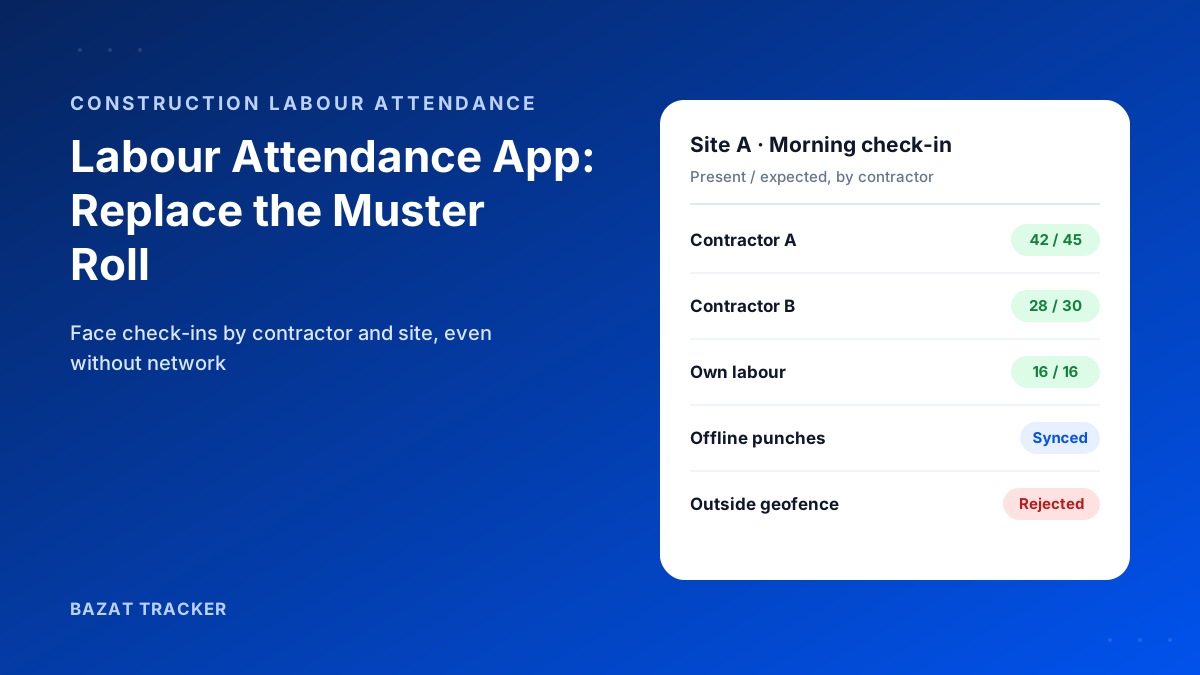
Bazat Tracker replaces the count with verified check-ins. Each worker is checked in with a face match inside the site geofence, on their own phone or through a supervisor's group check-in, grouped by contractor, and stored offline when the network drops. Labour-days per contractor per site are ready at month end, from ₹249 per user per month on yearly billing.
Manual Excel DMR vs Digital Attendance
| Manual DMR in Excel | Digital attendance | |
|---|---|---|
| Where the headcount comes from | Manual DMR in ExcelSomeone counts, often the contractor's supervisor | Digital attendanceEach worker's own face-verified check-in at the site |
| Proof the worker was on site | Manual DMR in ExcelThe report itself | Digital attendanceTime and location of every check-in, inside the geofence |
| Activity and work location | Manual DMR in ExcelWritten by the site engineer, as detailed as they make it | Digital attendanceStill needs the engineer's note; attendance doesn't describe the work |
| Time to prepare | Manual DMR in ExcelDaily data entry, plus copying totals each month | Digital attendanceHeadcount and labour-days compile automatically |
| Cost | Manual DMR in ExcelFree template | Digital attendancePer-user subscription |
| Best for | Manual DMR in ExcelSmall sites, or as the format for the daily review | Digital attendanceMultiple sites, many contractors, disputed labour bills |
Many teams keep the Excel format for the daily review and feed it from digital attendance instead of a manual count. If you're running several sites and want headcount, engineers and contractor labour-days in one place, see how construction workforce management software handles project-wise attendance.