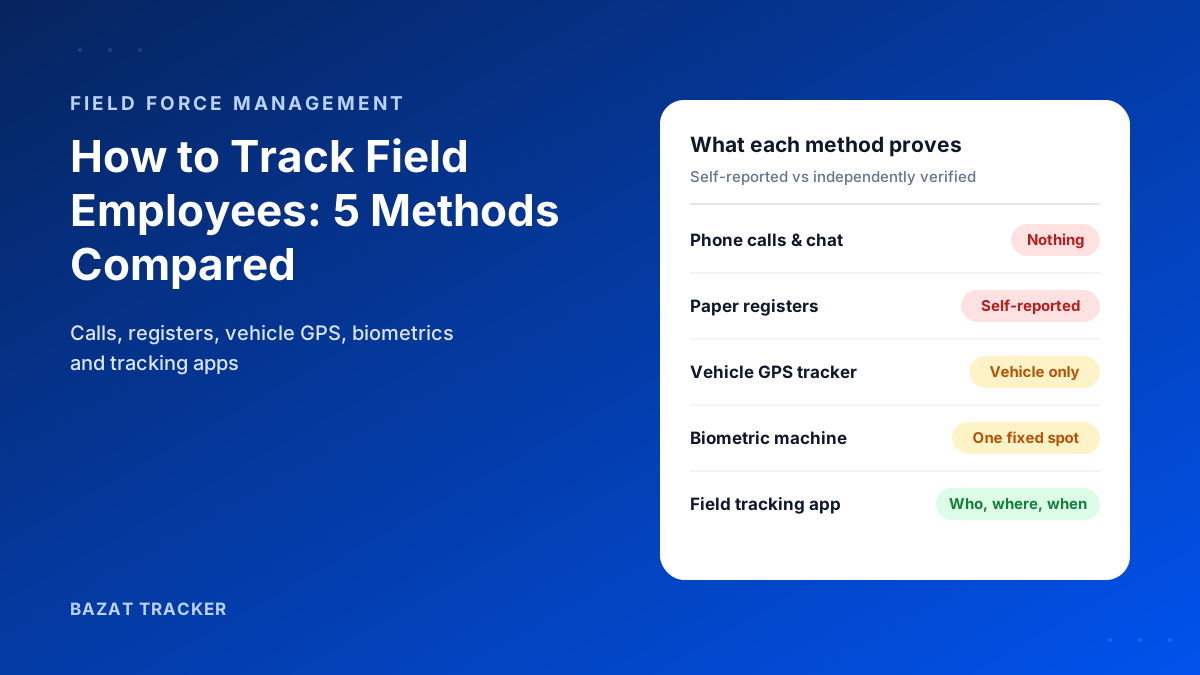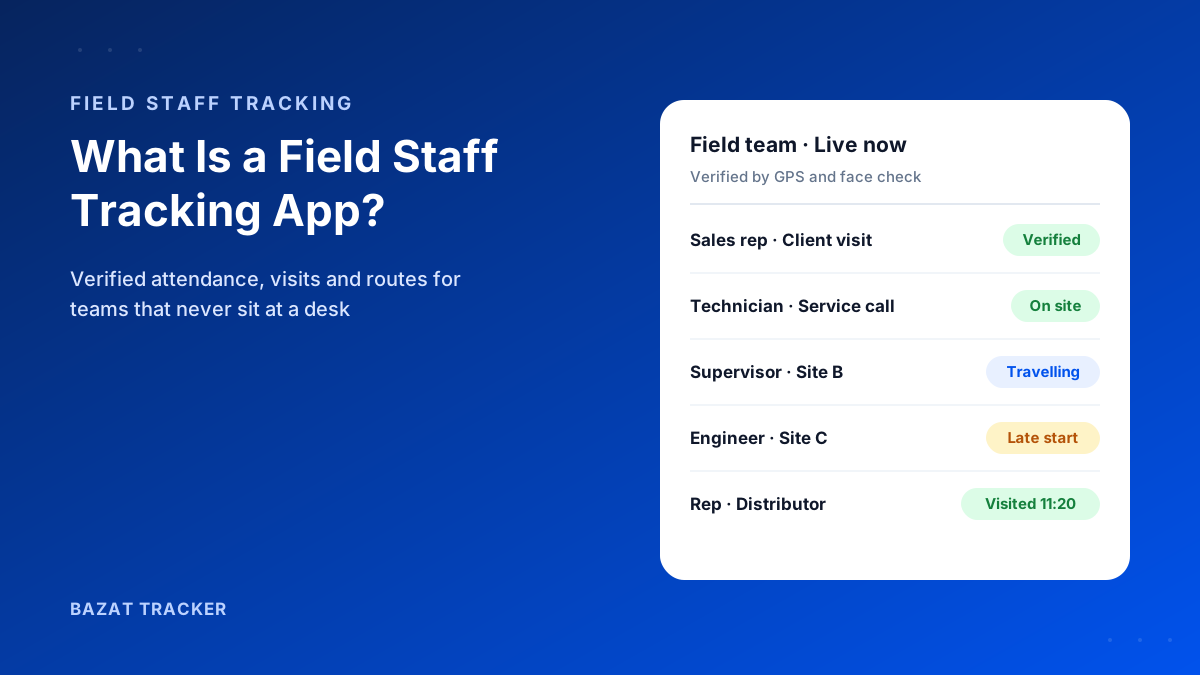
You fitted GPS trackers to all eight company vans last year. The fleet report is great: routes, mileage, idling time. Then a customer complains that your technician never came in, and the tracker shows the van parked outside for 40 minutes. Was he inside fixing the boiler, or asleep in the driver's seat? The tracker can't tell you.
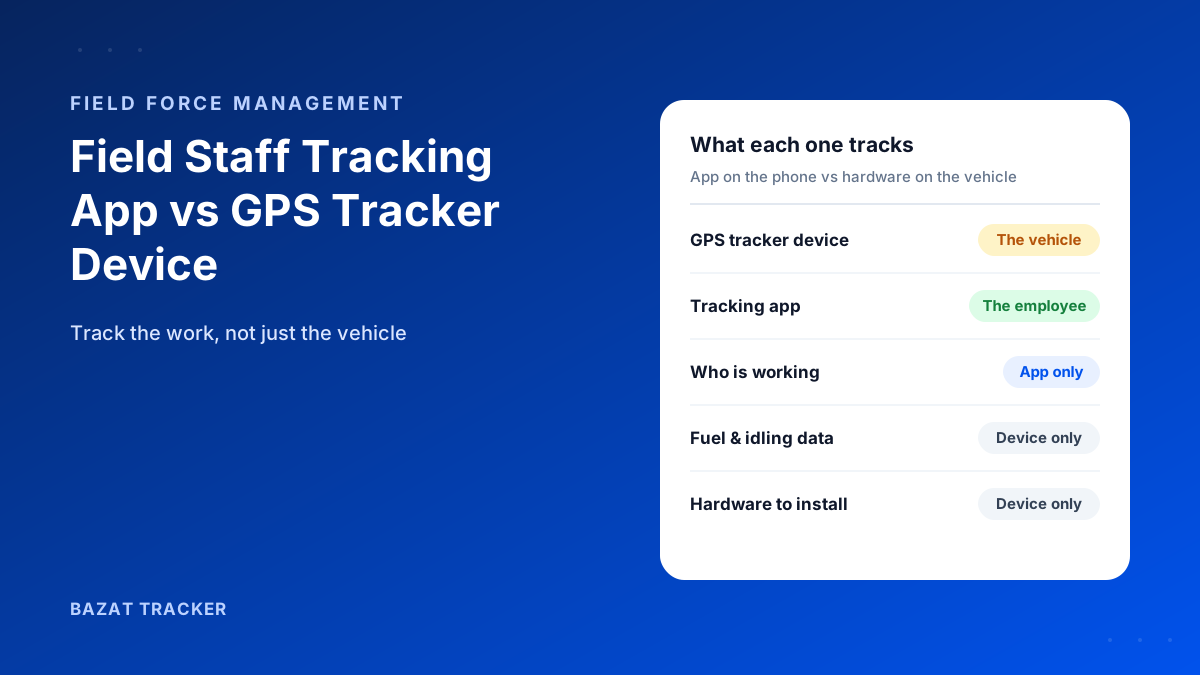
A GPS tracker device tracks a vehicle or asset. A field staff tracking app tracks the person, on their phone. If you need to manage vehicles (fuel, routes, idling, driving behaviour), use a GPS tracker device. If you need to verify employees' attendance, client or site visits, working hours and travel claims, use a field staff tracking app. Many fleets use both.
Here's why people mix them up:
Both use GPS, both show dots on a map, and both promise “visibility”. But they answer different questions. A tracker answers “where is my vehicle?” An app answers “where is my employee, and did they do the work?”
What Is a GPS Tracker Device?
A small hardware unit with its own GPS receiver and SIM card. It's either wired into a vehicle, plugged into its diagnostics (OBD) port, attached to an asset like a trailer or generator, or carried as a portable tag.
What it does well:
- 1Tracks vehicles and assets that don't have a phone attached, such as trucks, trailers, machinery and containers.
- 2Reports fleet data: speed, idling, harsh braking, engine hours and mileage.
- 3Works no matter who is driving, and doesn't depend on anyone's phone or battery.
- 4Helps recover stolen vehicles and equipment.
What Is a Field Staff Tracking App?
Software that runs on the employee's smartphone. During shift hours it records location, verifies attendance against a geofence, confirms identity with a face check, and logs client or site visits.
What it does well:
- 1Tracks the person, wherever they go: in a company van, their own car, on a bike, on public transport or on foot.
- 2Verifies attendance with a geofenced punch and face check.
- 3Proves client and site visits with time, location and photo proof.
- 4Feeds verified hours, leave and travel claims into payroll.
- 5Needs no hardware or installation. Staff install an app and you're live.
The Key Differences
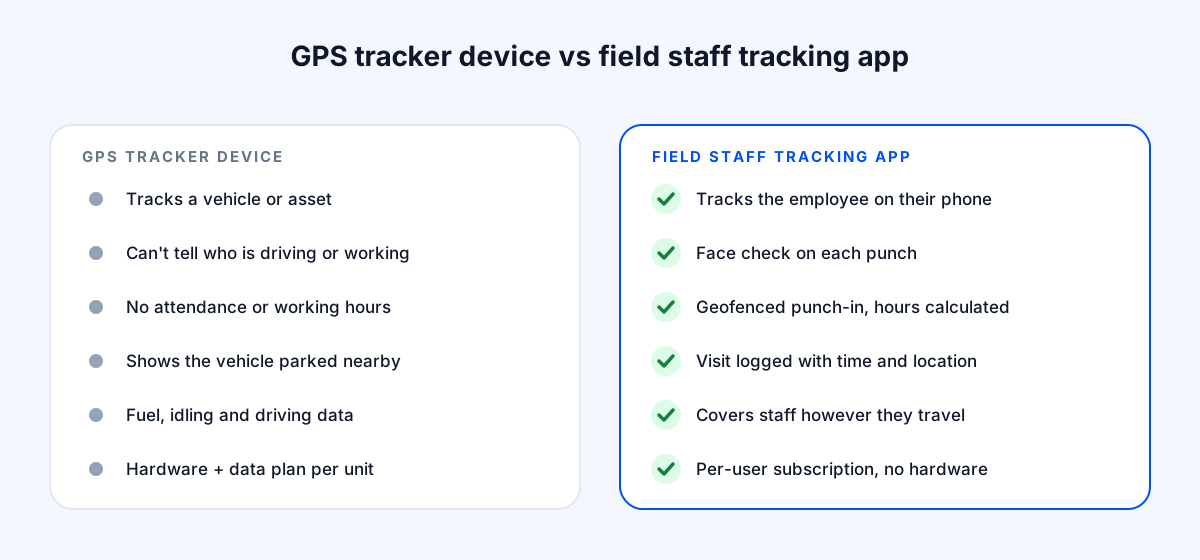
Let's put them side by side.
GPS Tracker Device vs. Field Staff Tracking App
| GPS Tracker Device | Field Staff Tracking App | |
|---|---|---|
| What it tracks | GPS Tracker DeviceA vehicle or asset | Field Staff Tracking AppThe employee, on their phone |
| Knows who is driving or working | GPS Tracker DeviceNo | Field Staff Tracking AppYes, with a face check on each punch |
| Attendance and working hours | GPS Tracker DeviceNot covered | Field Staff Tracking AppGeofenced punch-in and punch-out with hours calculated |
| Client and site visits | GPS Tracker DeviceShows the vehicle parked nearby | Field Staff Tracking AppVisit logged with time, location and proof |
| Staff without company vehicles | GPS Tracker DeviceNot covered | Field Staff Tracking AppCovered, however they travel |
| Vehicle data (fuel, idling, harsh driving) | GPS Tracker DeviceYes, a core strength | Field Staff Tracking AppNot the focus |
| Setup | GPS Tracker DeviceBuy and install a unit per vehicle or asset | Field Staff Tracking AppInstall an app; no hardware |
| Cost model | GPS Tracker DeviceHardware per unit, installation, plus a data plan | Field Staff Tracking AppPer-user monthly subscription |
What About Cost?
This is where the difference really shows.
A tracker device means buying hardware for every vehicle or asset, paying for installation, and usually a monthly data or platform fee per unit. Every new vehicle means another unit. And none of it covers staff who don't drive a company vehicle.
A field staff tracking app has no hardware cost. You pay per user. Bazat Tracker, for example, starts at $4 per user per month on yearly billing (₹249 in India), and includes attendance, visits, expenses and reports.
What About Privacy?
Here's a difference many buyers miss:
A vehicle tracker records the vehicle whenever it moves. If staff take vans home, it can record evenings and weekends too. A well-designed staff tracking app runs only during shift hours, so tracking stops at punch-out. Bazat Tracker works this way by design.
Whichever you choose, tell employees what's tracked and when. That's both good practice and, in many countries, a legal requirement.
So Which One Do You Need?
Use this quick guide:
Choose by the problem you're solving
- 1You mainly need to manage vehicles (fuel, routes, idling, theft): choose a GPS tracker device.
- 2You mainly need to verify people (attendance, visits, hours, travel claims, payroll): choose a field staff tracking app.
- 3Your staff travel by their own vehicles, bikes or public transport: choose a field staff tracking app; devices can't cover them.
- 4You run a fleet and need proof of the work done at each stop: use both. The device covers the van, and the app covers the person.
Still deciding?
Think about your last three disputes. If they were about fuel or misuse of a vehicle, start with a tracker. If they were about whether someone showed up, worked their hours or visited the client, start with an app.
The Bottom Line
GPS tracker devices are built for vehicles and assets. Field staff tracking apps are built for people and the work they do. If your questions are about attendance, visits and pay, an app gives you the answers a tracker can't, with no hardware to buy.