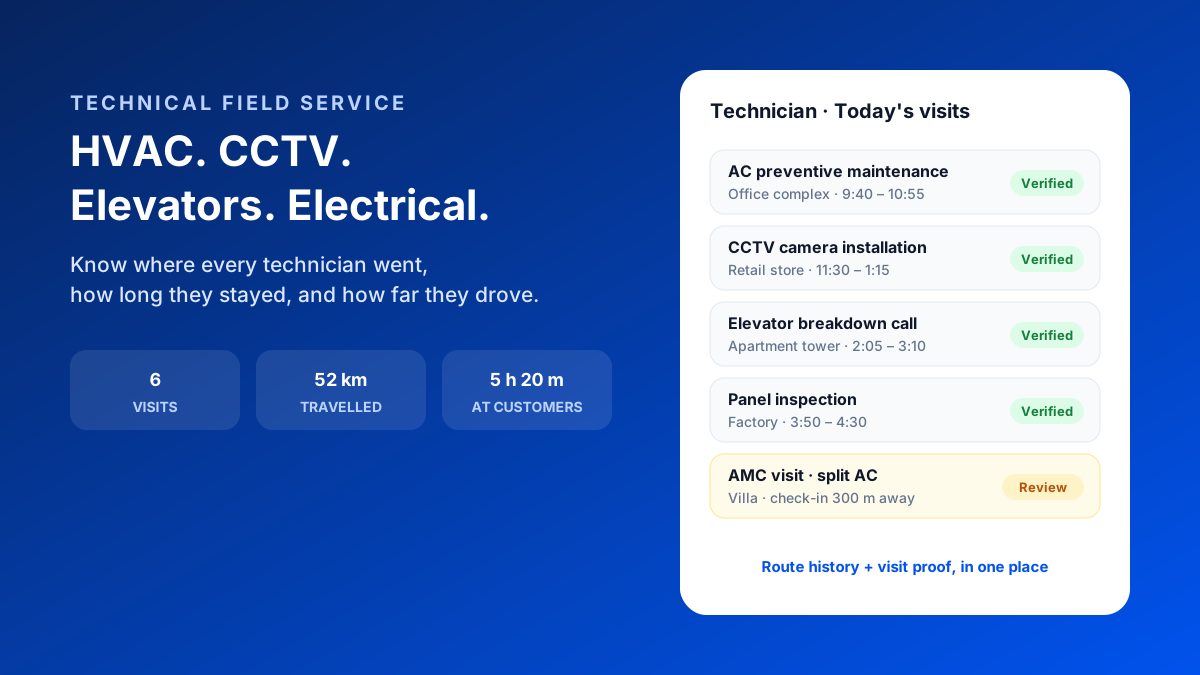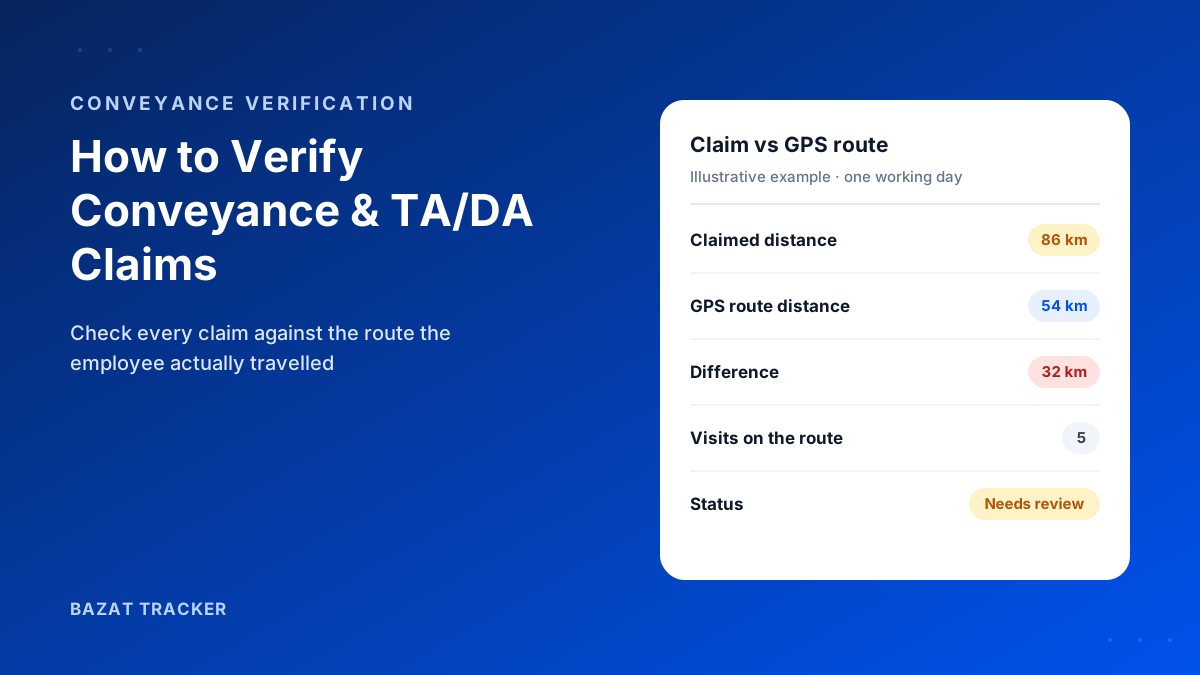
Renewal meeting with a large AMC customer. Their facilities head slides a sheet across the table: by their count, you made two preventive visits this year, not the four in the contract. You're sure you made four. But your job sheets are in three different technicians' bags, and one of them has left the company.
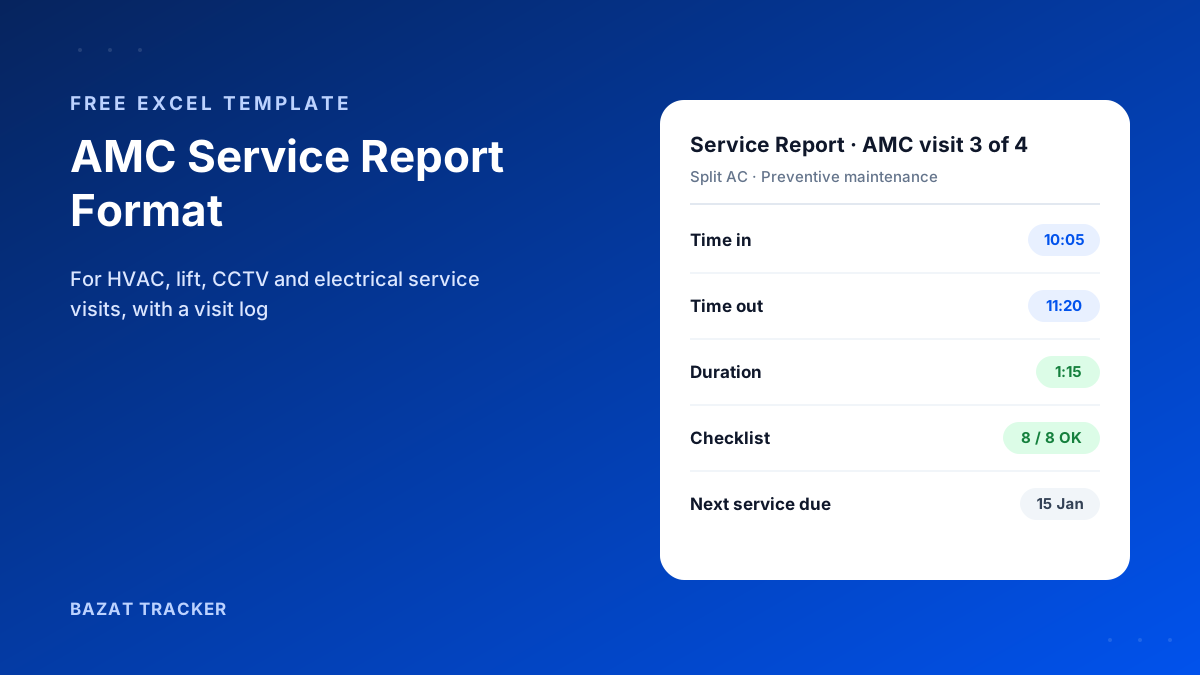
An AMC service report is the record a technician completes at every maintenance visit under an annual maintenance contract. A good format captures customer and contract details, the equipment serviced, visit type, time in and time out, a checklist of what was inspected, spares used, findings and recommendations, the next due date, and the customer's sign-off. A separate visit log keeps every visit per customer in one place for renewals and disputes.
The report is the easy part. The log is what saves renewals.
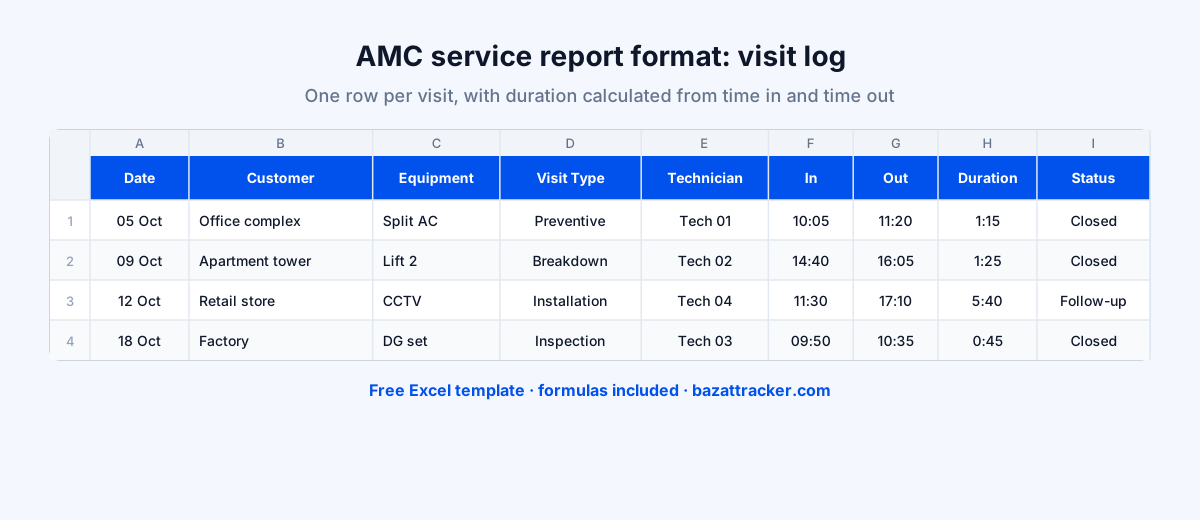
Most service companies have some kind of job sheet. Very few can show a customer's complete visit history in thirty seconds. The free template below gives you both: a printable service report for each visit and a visit log you can filter by customer.
What an AMC Service Report Should Include
Fields that matter
- 1Report number and visit date.
- 2Customer, site address, contact person and AMC or contract number.
- 3Equipment: type, make and model, serial or asset number.
- 4Visit type: preventive, breakdown, installation or inspection.
- 5Visit number for this contract year, such as visit 3 of 4.
- 6Time in, time out and duration, calculated automatically.
- 7A checklist with status (OK, attention, not OK) and remarks for each item.
- 8Spare parts used, with quantities.
- 9Work done, findings and recommendations for the customer.
- 10Next service due date, customer rating, and both signatures.
Free Download · Excel
AMC Service Report Format
A printable service report plus a visit log, for HVAC, lift, CCTV, DG and electrical maintenance.
- Printable service report (A4 portrait)
- Editable equipment checklist with status dropdowns
- Automatic visit duration
- Spares and recommendations sections
- Visit log with filters by customer
- Customer and technician sign-off
Tailoring the Checklist to Your Equipment
The template's checklist is deliberately general. Edit the items for the equipment you service, keeping it short enough that technicians actually complete it.
Examples by service line
- 1HVAC: filters, coil cleaning, refrigerant pressure, drain line, thermostat and airflow.
- 2Lifts: door operation, brakes, ropes, levelling, emergency alarm and lighting.
- 3CCTV: camera alignment, recording and storage, cable and power, remote viewing.
- 4DG sets: oil and coolant levels, battery, fuel, load test and run hours.
- 5Electrical panels: connections, earthing, breakers, thermal checks and labelling.
How to Use It on Every Visit
A simple routine
- 1Fill the customer and equipment details once per customer, then copy the sheet for each visit.
- 2Enter time in on arrival and time out on leaving. Duration calculates itself.
- 3Work through the checklist, marking each item and adding remarks where something needs attention.
- 4Record spares used and the next due date, then get the customer's signature before leaving.
- 5Add a row to the visit log the same day, so each customer's history stays complete.
Then use the log before every renewal.
Filter the visit log by customer and you have every preventive and breakdown visit for the year, with dates, technicians and durations. That's a far stronger renewal conversation than “we've been servicing you regularly.”
Common Mistakes
Avoid these
- 1Filling the report later, from memory, after the technician has left the site.
- 2Leaving time in and time out blank, so nobody knows how long the visit took.
- 3A checklist so long that technicians tick everything without looking.
- 4Keeping reports in technicians' bags instead of a central log.
- 5Not recording recommendations, which are often your best upsell and the customer's best protection.
When a Signed Report Isn't Proof Enough
Here's the uncomfortable part:
A customer can still dispute a signed job sheet. The signature may belong to anyone, and time in and time out are whatever the technician wrote. When a renewal or a penalty is at stake, you need proof that comes from the location, not from the form.
Bazat Tracker records each technician's check-in and check-out at the customer's geofence, with time and duration, builds a visit history per customer automatically, and settles travel allowance from the GPS route, from ₹249 per user per month on yearly billing.