Your service business has grown to 60 technicians across HVAC, CCTV and electrical work. You're losing track. Someone suggests field service management software. Someone else says you just need a tracking app. The demos look similar, both have a map, and the prices are very different.
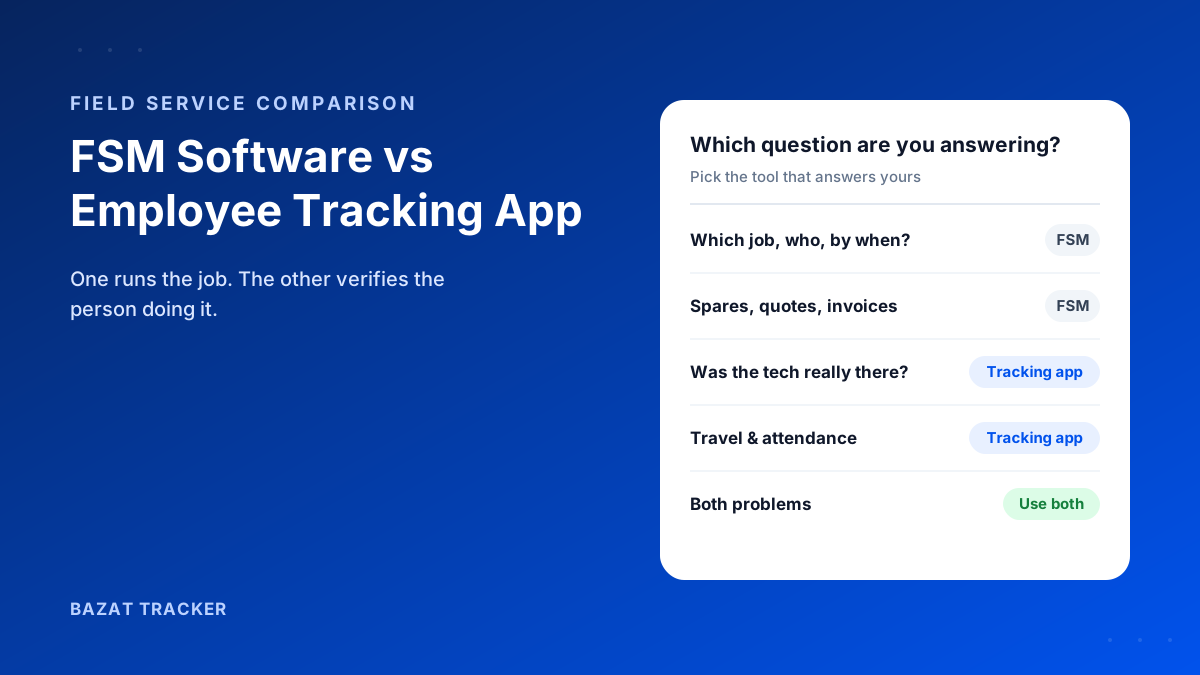
Field service management (FSM) software runs the work: tickets or work orders, scheduling and dispatch, job checklists, spare parts, quotes, invoices and AMC contracts. An employee tracking app verifies the workforce: attendance, live location during working hours, verified customer visits, travel distance and payroll. If your problem is organising jobs, you need FSM. If your problem is trusting where technicians went and paying them correctly, you need a tracking app. Many service companies need both.
Why the confusion?
Because both show technicians on a map, and vendors on both sides have added features from the other. But each starts from a different question, and that starting point shapes everything else.
What Field Service Management Software Does
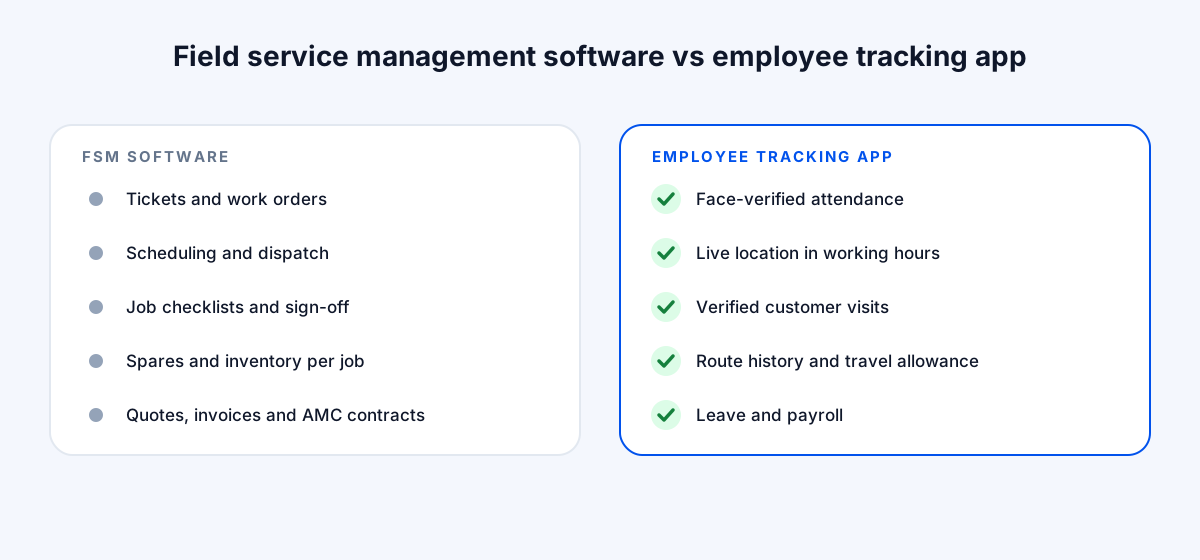
Typical FSM capabilities
- 1Ticket or work order creation from calls, email or a customer portal.
- 2Scheduling and dispatch: assigning jobs to technicians by skill, area and availability.
- 3Job checklists, photos and customer sign-off in the technician's app.
- 4Spare parts and inventory used on each job.
- 5Quotes, invoices and payment collection.
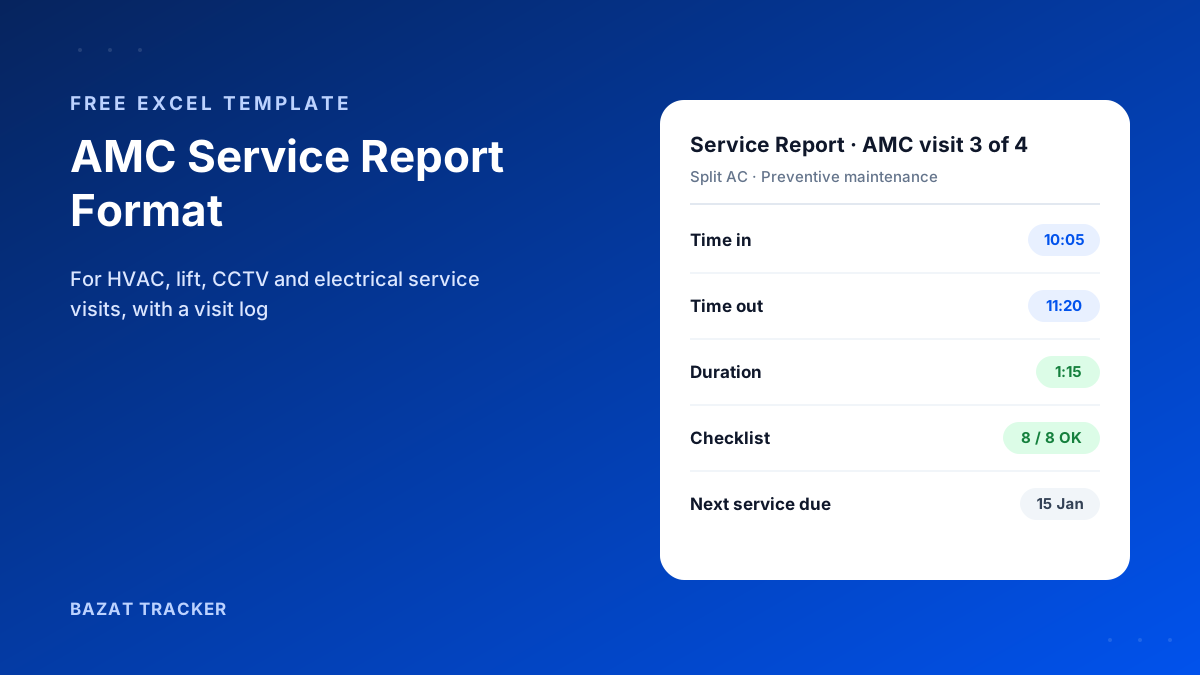
- 6AMC and contract management, with preventive maintenance schedules.
- 7Customer history per site or asset.
It's built around the job. The technician is a resource the job is assigned to.
What an Employee Tracking App Does
Typical tracking app capabilities
- 1Attendance: punch-in with location and, in better apps, a face check.
- 2Live location during working hours only.
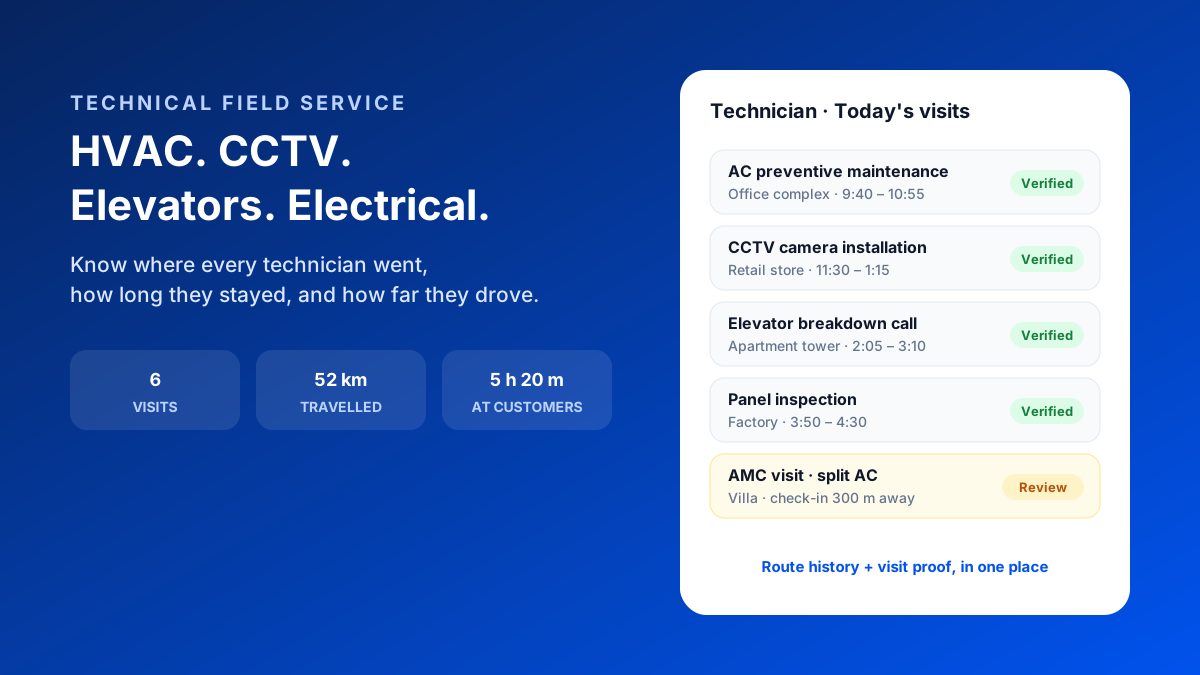
- 3Route history: the day's path, stops, time at each stop and distance.
- 4Verified customer visits: check-in and check-out inside the customer's geofence.
- 5Travel allowance based on GPS distance.
- 6Leave, payroll and payslips from verified attendance.
It's built around the person. The question it answers is: where was this technician, when, for how long, and what should we pay them?
Side by Side
FSM software vs employee tracking app
| Field service management | Employee tracking app | |
|---|---|---|
| Built around | Field service managementThe job or ticket | Employee tracking appThe technician |
| Main question | Field service managementWhat needs doing, by whom, by when? | Employee tracking appWhere were they, when, and for how long? |
| Scheduling and dispatch | Field service managementCore strength | Employee tracking appLive map helps find the nearest technician |
| Proof of visit | Field service managementUsually a sign-off or photo in the job | Employee tracking appLocation-verified check-in and check-out |
| Attendance and working hours | Field service managementOften limited or absent | Employee tracking appCore strength, with face check |
| Travel allowance | Field service managementUsually not covered | Employee tracking appGPS distance from the actual route |
| Payroll | Field service managementUsually not covered | Employee tracking appOften included |
| Spares, quotes and invoices | Field service managementCore strength | Employee tracking appNot covered |
Which Do You Need?
Start with the problem that costs you most.
Choose FSM software if
- 1You handle a high volume of tickets and they get lost between calls, WhatsApp and Excel.
- 2Dispatching the right technician to the right job is your daily bottleneck.
- 3You need spare parts, quotes and invoices tied to each job.
- 4Customers want a portal to raise and track tickets.
Choose a tracking app if
- 1Customers dispute whether visits happened, or how long they took.
- 2Technicians' start times, idle time and travel claims are a constant argument.
- 3Month-end attendance and payroll take days to reconcile.
- 4Your jobs are already managed well enough in a service CRM, WhatsApp or Excel.
And if both lists sound familiar?
Then you probably need both, and that's common. Many service companies run tickets in an FSM tool or service CRM and use a tracking app for attendance, visit proof, travel and payroll. The FSM says a job was assigned and closed; the tracking app proves the technician was at the customer's site while it was open.
How the Two Fit Together in a Technician's Day
Here's an illustrative day with both in place.
One technician, two systems
- 19:05 AM: punches in with a face check at the branch (tracking app).
- 29:20 AM: receives three jobs for the day: an AC service, a CCTV fault and an AMC visit (FSM).
- 310:12 AM: arrives at the first customer; the check-in inside their geofence is recorded (tracking app). Starts the job and works through the checklist (FSM).
- 411:30 AM: closes the job with photos and the customer's sign-off (FSM); the check-out records 1 h 18 m on site (tracking app).
- 52:15 PM: an urgent lift breakdown comes in; the coordinator checks the live map, sees this technician is nearest, and reassigns the job (both).
- 66:40 PM: punches out with 48 km travelled; travel allowance is settled on that figure (tracking app).
When a customer later says nobody came, the FSM shows the job was closed and the tracking app shows the technician was at their site for 1 hour 18 minutes. Together, that's a conversation you win.
What Each Costs
FSM software is usually priced per technician or per user per month, with tiers based on modules such as inventory, invoicing, customer portals and integrations, and some vendors add setup or onboarding fees. Tracking apps are also usually per user per month, and typically cost less because they cover a narrower job.
Compare on what you'd actually use. A full FSM suite is worth it when dispatch and job management are your bottleneck. If they're not, you may be paying for modules your team ignores while the attendance and travel problems remain.
Common Mistakes When Choosing
Avoid these
- 1Buying a full FSM suite to fix an attendance problem. You'll pay for dispatch and invoicing modules and still argue about start times.
- 2Assuming a map in an FSM tool means verified visits. Ask how a visit is confirmed: by the technician tapping "arrived", or by their location inside the customer's geofence?
- 3Forgetting payroll. If attendance lives in one tool and salaries in another, someone re-types it every month.
- 4Rolling out to every service line at once. Start with the team that has the most disputes.
Bazat Tracker is the tracking side of this picture: face-verified attendance, live location during working hours, verified customer visits, travel history and payroll, from ₹249 per user per month on yearly billing. It runs alongside whatever you use to manage tickets.