Your company has a fingerprint machine at the head office. It works well for the 30 people who sit there. But you also have 60 people who never come to the office: site supervisors, service engineers and sales executives. For them, attendance is a WhatsApp message saying “reached site”, and month-end is a fight.
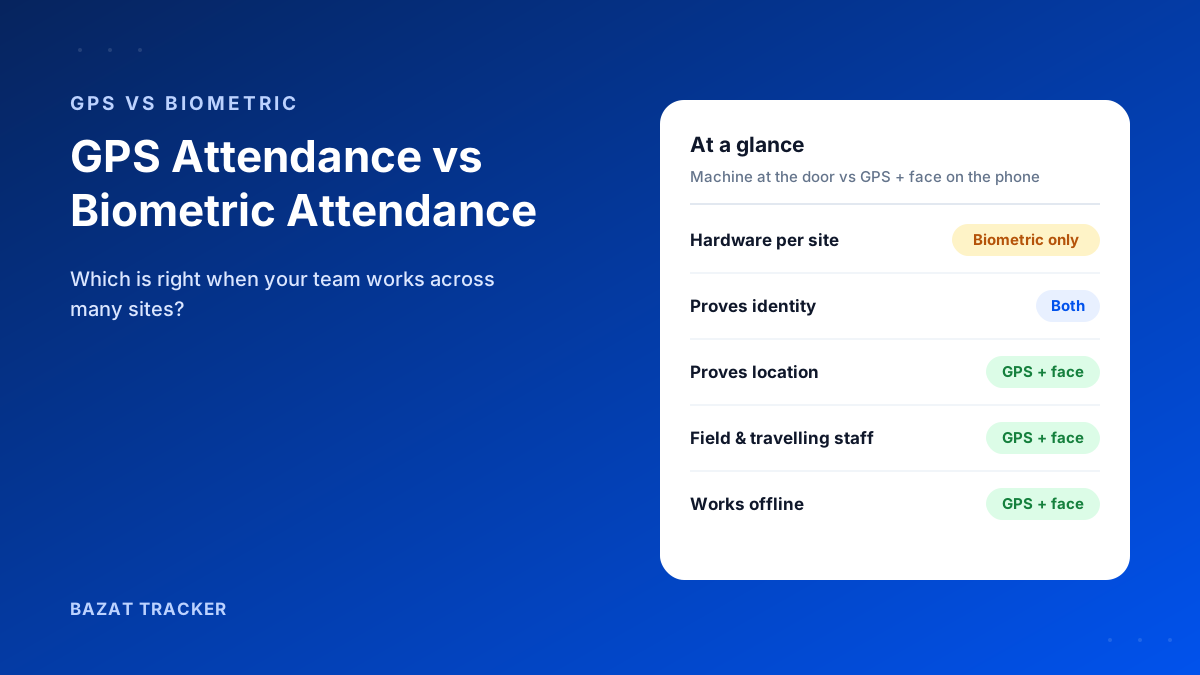
Biometric attendance proves who punched in, but only at the one place where the machine is installed. GPS attendance works anywhere on the employee's phone and proves where they punched in, but on its own it can be faked. For field and multi-site teams, the best option is mobile attendance that combines a GPS geofence (location), a face match with liveness (identity) and fake-GPS detection (tampering). For staff who only ever work at one office, a biometric machine is still a simple, solid choice.
How Biometric Attendance Works
A fingerprint or face machine is mounted at an entrance. Employees punch in and out on it, and the data syncs to software. It's accurate about identity, because a fingerprint is hard to share, and it's familiar to most Indian employees.
The limits show up fast once people leave the building.
Where biometric machines struggle
- 1They only work at the location where they're installed. Field staff can't punch in at a client or on the road.
- 2Every site needs its own machine, plus power, network and someone to maintain it.
- 3Dust, cement and worn fingerprints on construction sites cause failed reads.
- 4Machines get damaged or stolen at temporary sites, and moving them when a project ends is a job in itself.
- 5They show when someone arrived, not where they went afterwards.
How GPS Attendance Works
With GPS attendance, employees punch in on a mobile app. The app records the location of the punch. Better apps only accept the punch inside a geofence: a boundary drawn around the assigned office, site or client location.
But GPS alone has a weakness.
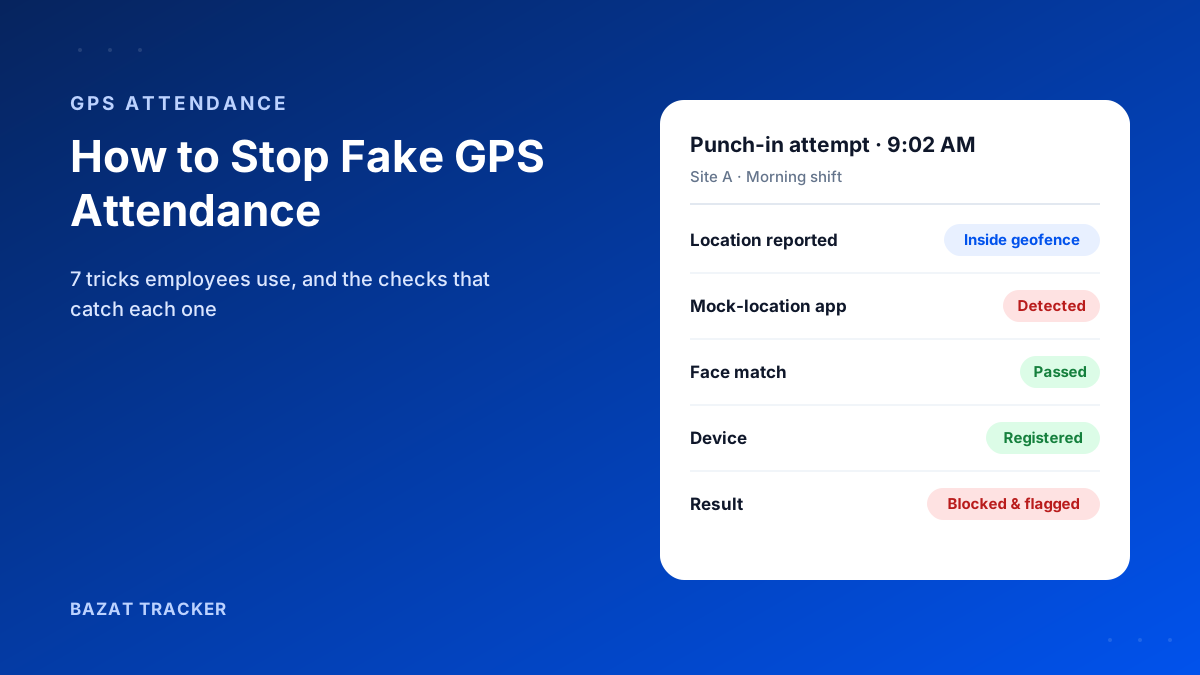
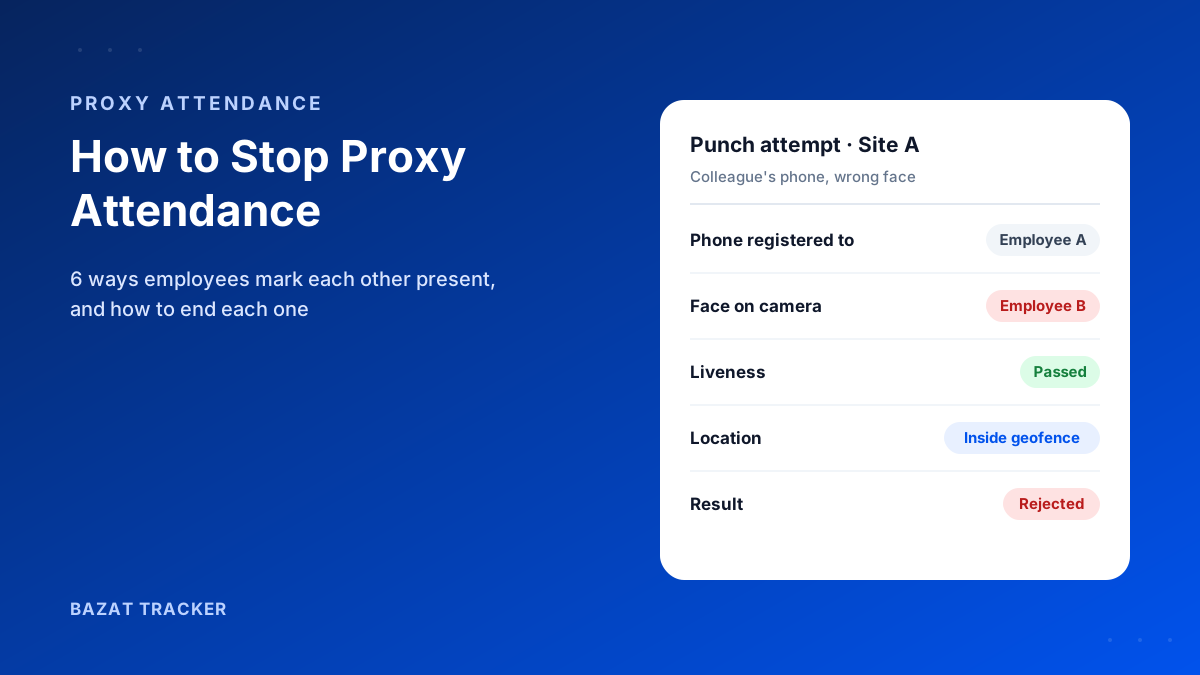
Location can be faked with mock-location apps, and one employee can carry a colleague's phone to the site. A GPS-only app that doesn't detect spoofing or check identity gives you a location, not proof. That's why a GPS attendance app needs a face check and fake-GPS detection to be trusted for payroll.
Face Recognition Machine vs Face Attendance on the Phone
Many companies now replace fingerprint machines with face recognition machines at the door. It solves the hygiene and worn-fingerprint problems, but it's still a machine fixed to one wall.
The real question isn't fingerprint vs face. It's machine vs phone.
Face attendance on the employee's phone does the same identity check (a live selfie matched to the registered face, with a liveness check so a photo doesn't pass) but adds the location of the punch and works wherever the employee is assigned. For a team based at one office, either works. For a team spread across sites and clients, only the phone version follows them.
Side-by-Side Comparison
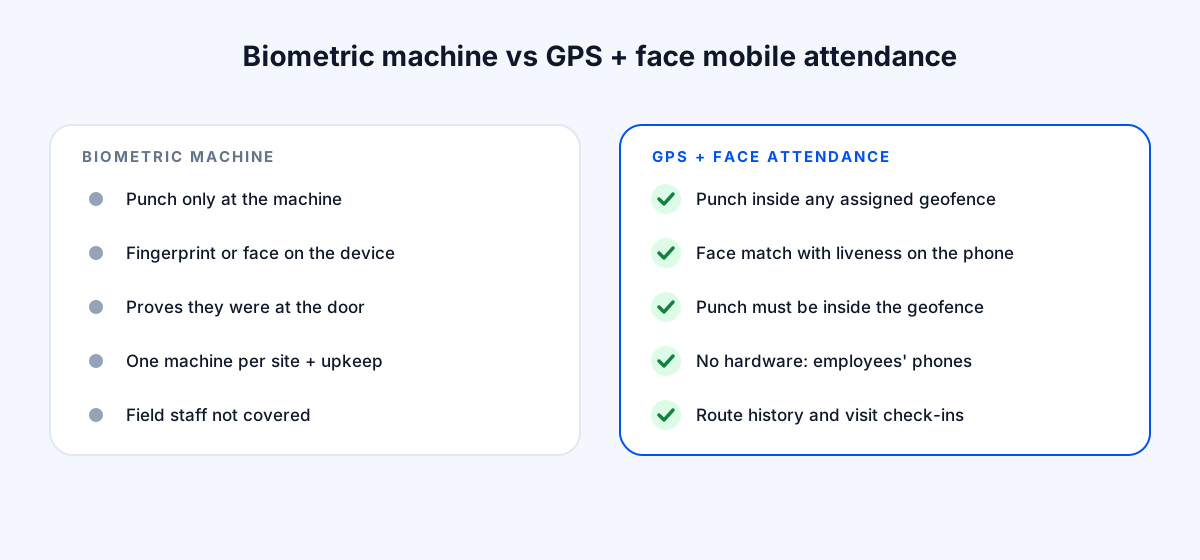
Biometric Machine vs. GPS + Face Mobile Attendance
| Biometric machine | GPS + face mobile attendance | |
|---|---|---|
| Where staff can punch in | Biometric machineOnly at the machine's location | GPS + face mobile attendanceInside the geofence of any assigned site, office or client |
| Proves identity | Biometric machineYes, fingerprint or face on the machine | GPS + face mobile attendanceYes, face match with liveness on the phone |
| Proves location | Biometric machineOnly that they were at the door | GPS + face mobile attendanceYes, the punch must be inside the geofence |
| Hardware per site | Biometric machineOne machine per site, plus maintenance | GPS + face mobile attendanceNone; uses employees' phones |
| Field and travelling staff | Biometric machineNot covered | GPS + face mobile attendanceCovered, with route history and visit check-ins |
| Works without network | Biometric machineDepends on the device | GPS + face mobile attendancePunches stored offline and synced later |
| Fraud risk | Biometric machineLow at the door; none of the field day is covered | GPS + face mobile attendanceLow, if fake-GPS detection and face check are on |
Which Should You Choose?
It comes down to where your people work.
A quick decision guide
- 1Everyone works at one office or factory: a biometric machine is simple and reliable.
- 2Staff work across several sites (construction, facility management, security, retail): mobile GPS + face attendance, because a machine at every site is costly and hard to maintain.
- 3Staff travel to clients or outlets (sales, service): mobile GPS attendance with visit check-ins and route history.
- 4A mix of office and field staff: keep the biometric machine for the office if it works, and put field staff on mobile attendance. Make sure both feed the same payroll.
Whatever you choose, test it on your hardest case first: the site with no network, the team with the most attendance disputes, or the salesman who's never where he says he is.
What It Costs
Biometric attendance costs a machine per location, installation and ongoing maintenance, plus the software. Mobile attendance has no hardware cost: you pay per user per month and employees use their own phones.
Look at three years, not the first invoice.
What each option really costs over time
- 1Biometric: a device for every site, installation, power and network at each one, replacements for damaged or stolen units, moving machines when projects end, and software on top.
- 2Biometric, hidden costs: field and travelling staff still need a separate way to mark attendance, and someone still reconciles the two at month end.
- 3Mobile GPS + face: a per-user subscription that grows and shrinks with your headcount. Adding a new site is a geofence drawn on a map, not a purchase order.
For a single office, the machine can work out cheaper. Once you're running several sites, or have staff who are rarely at any of them, the per-user model usually wins on cost as well as coverage.
Switching From Biometric to Mobile Attendance
A low-risk switch
- 1Start with the staff the machine doesn't cover: field, site and travelling employees.
- 2Add every office and site as a geofence, and register each employee's face once.
- 3Run the machine and the app side by side for two to four weeks at one location, and compare the records.
- 4Move each location over when the app's records match or beat the machine's.
- 5Keep the machine at the head office if it still works well. Just make sure both feed the same payroll.
Bazat Tracker includes geofenced attendance, face verification with liveness, fake-GPS detection, route history and payroll, from ₹249 per user per month on yearly billing, with a 3-day free trial.