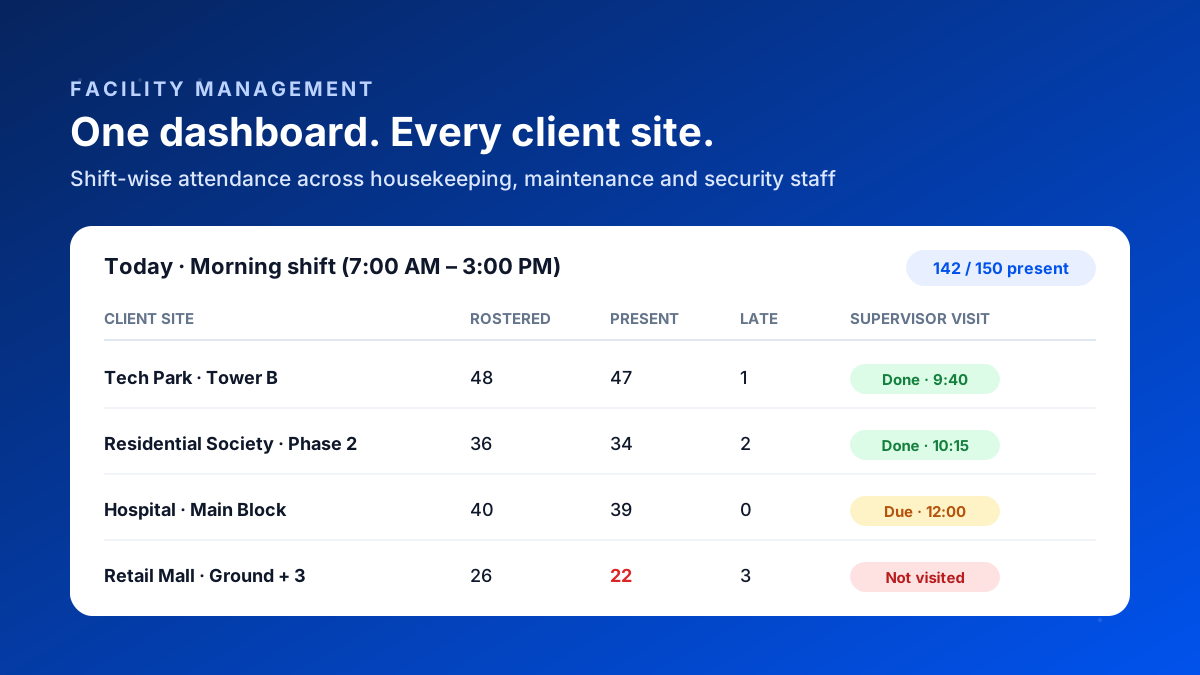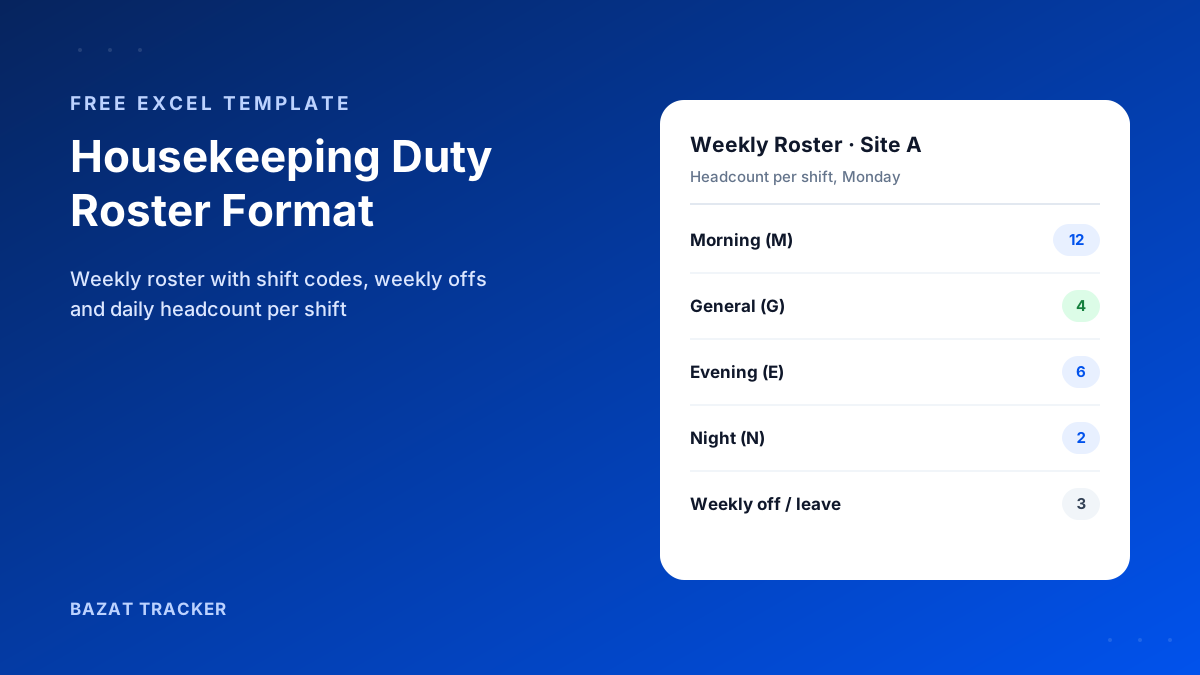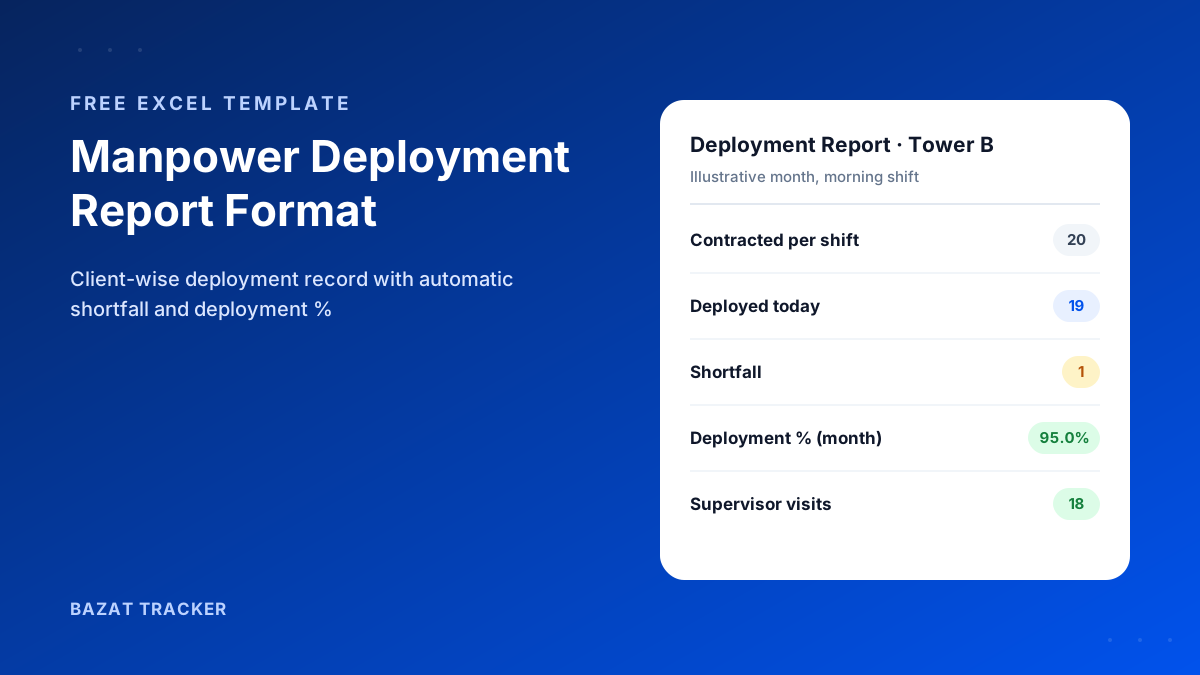
It's the first week of the month. Your invoice to a tech park client is ready, but their facilities team has replied with one line: “Please share the manpower deployment report for last month before we process this.” You have attendance registers from the site, a WhatsApp group full of photos, and a payroll sheet. None of them is a deployment report.
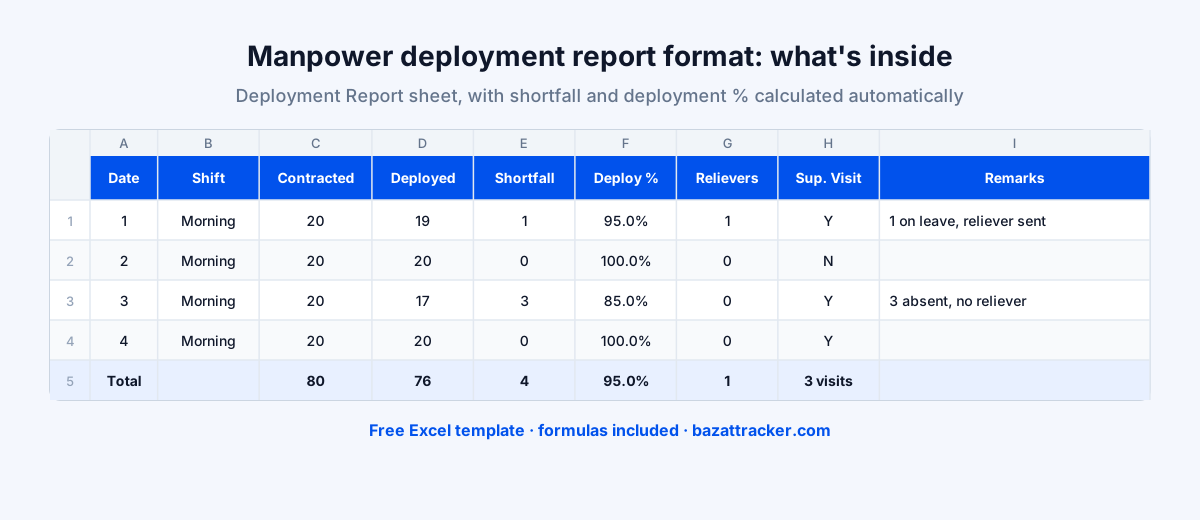
A manpower deployment report is a client-wise record of how many staff your agency actually deployed at a site, shift by shift, against the headcount in the contract. A good format shows, for every day: contracted headcount, staff deployed, shortfall, relievers used, whether the supervisor visited, and remarks, with a monthly total and deployment percentage. It's the document clients use to approve invoices, apply deductions and decide renewals.
Why does this one report matter so much?
Because it's where your operations and your revenue meet. For a housekeeping, security or maintenance contract, the client is paying for a committed headcount. The deployment report is your proof that you delivered it, and your defence when they say you didn't.
What a Manpower Deployment Report Should Include
Most formats floating around are either a plain attendance register or a one-line monthly summary. Clients need something in between: daily enough to check, summarised enough to approve.
The fields that matter
- 1Header: client name, site, month, service type and the contracted headcount per shift.
- 2Date and shift: one row per shift per day, so a 24x7 site shows morning, evening and night separately.
- 3Contracted headcount: what the agreement says should be on site for that shift.
- 4Deployed: how many staff were actually present.
- 5Shortfall: contracted minus deployed, calculated automatically.
- 6Deployment %: deployed as a share of contracted, so the client can see performance at a glance.
- 7Relievers used: how many gaps were covered by cover staff.
- 8Supervisor visit: whether your supervisor visited the site that day.
- 9Remarks: the reason for any shortfall, in a few words.
- 10Sign-off: client representative and agency manager at the bottom.
Free Download · Excel
Manpower Deployment Report Format
A ready-to-use Excel workbook for facility management, housekeeping and security contracts.
- Daily deployment sheet for a full month
- Automatic shortfall and deployment %
- Shift and supervisor-visit dropdowns
- Staff-wise summary sheet for payroll
- Client and agency sign-off block
- Print-ready on A4, landscape
How to Fill It In, Step by Step
Each month, for each client site
- 1Make a copy of the Deployment Report sheet for the site and month.
- 2Fill in the header, including the contracted headcount per shift from your agreement.
- 3Each day, enter the staff deployed on each shift and any relievers used. Shortfall and deployment % update on their own.
- 4Mark whether the supervisor visited, and write a short reason next to any shortfall.
- 5List every person who worked at the site on the Staff-wise Summary sheet, with days present, leave, absences and overtime.
- 6At month end, check the totals, get the sign-offs and send the report with your invoice.
One rule makes the whole report trustworthy:
Fill it in daily, not at month end. A deployment report reconstructed from memory on the 30th is exactly the kind of document clients learn to distrust.
How Clients Read Your Deployment Report
It helps to know what the facilities or procurement team on the other side is looking for.
What they check
- 1Deployment % for the month, compared with the SLA in your contract.
- 2Repeated shortfalls on the same shift or day of the week, which suggest a rostering problem.
- 3Whether shortfalls were covered by relievers or simply left open.
- 4How often your supervisor actually visited their site.
- 5Whether the numbers match what their own security desk or visitor log shows.
That last point is where many agencies get caught. If the client's gate register shows 16 people arriving and your report shows 20, the report loses all credibility, and so do the next ten invoices.
Common Mistakes
Avoid these
- 1Copying the contracted headcount into the deployed column. A report with 100% every day looks invented, because it usually is.
- 2Leaving remarks blank. A shortfall with a reason (“2 on leave, reliever sent at 10 AM”) is far easier for a client to accept.
- 3Mixing sites in one sheet. Keep one report per client site.
- 4Not recording relievers. They're the evidence that you handled gaps.
- 5Sending the report only when asked. Sending it with every invoice builds trust before there's a dispute.
When the Excel Format Stops Being Enough
Here's the honest limitation of any template:
A spreadsheet is only as accurate as the attendance typed into it. If the site register can be filled in by a friendly supervisor, the deployment report inherits every one of its errors. Once you're running more than a handful of client sites, the time spent compiling these reports also adds up quickly.
Bazat Tracker builds the same report automatically. Staff punch in with a face check inside each client site's geofence, so deployment per site and shift comes from verified punches, and client-wise reports are ready to export at month end. It also runs payroll from the same data, from ₹249 per user per month on yearly billing.