Monday, 7:10 AM. The lobby at a client's office tower hasn't been cleaned, two people are mopping the same floor, and the washrooms on the third floor are unattended. Nobody did anything wrong exactly. The roster just lived in the supervisor's head, and this week the supervisor was on leave.
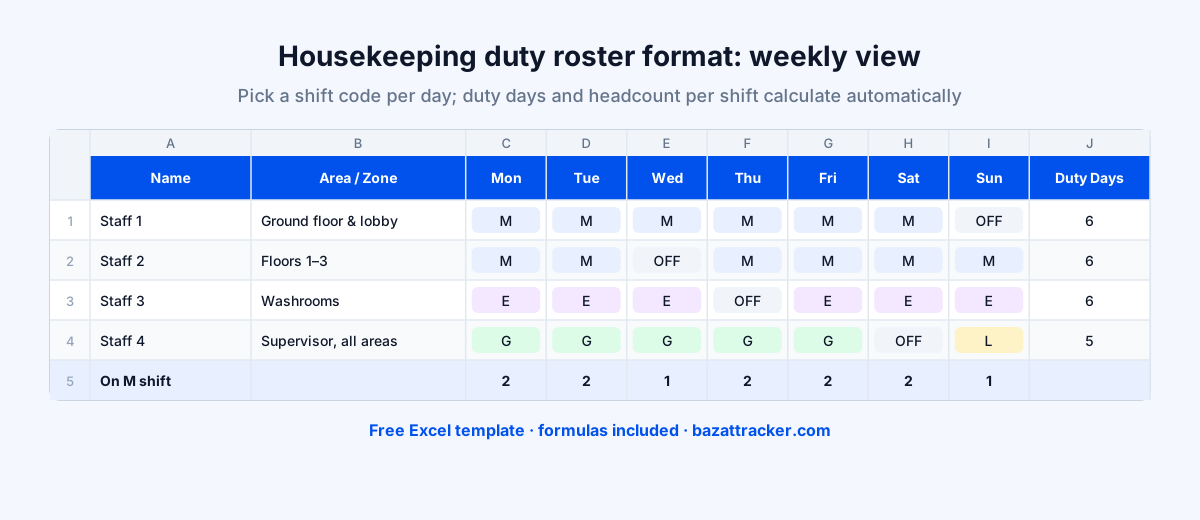
A housekeeping duty roster is a weekly schedule showing which staff member works which shift on which day, and which area or zone they cover. A practical format lists each person with their role and zone, uses simple shift codes (such as M for morning, E for evening, N for night, OFF for weekly off and L for leave), and counts the headcount on each shift every day, so you can check it against the client's contracted numbers before the week starts.
Sounds basic, right?
It is. But a roster that's planned, shared and checked is the difference between a site that runs itself and a supervisor who spends every morning firefighting. It's also the starting point for your deployment report and your payroll.
What to Include in a Housekeeping Roster
Columns and fields
- 1Site and week: client, site and the week the roster covers.
- 2Staff details: employee ID, name and role (housekeeper, supervisor, pantry, specialist cleaning).
- 3Area or zone: lobby, floors, washrooms, cafeteria, parking, wards. This is what stops two people cleaning the same floor.
- 4One column per day with a shift code.
- 5A clear legend with shift timings, edited to match your contract.
- 6Duty days per person, to make sure everyone gets a weekly off.
- 7Headcount per shift per day, to compare with the client's contracted numbers.
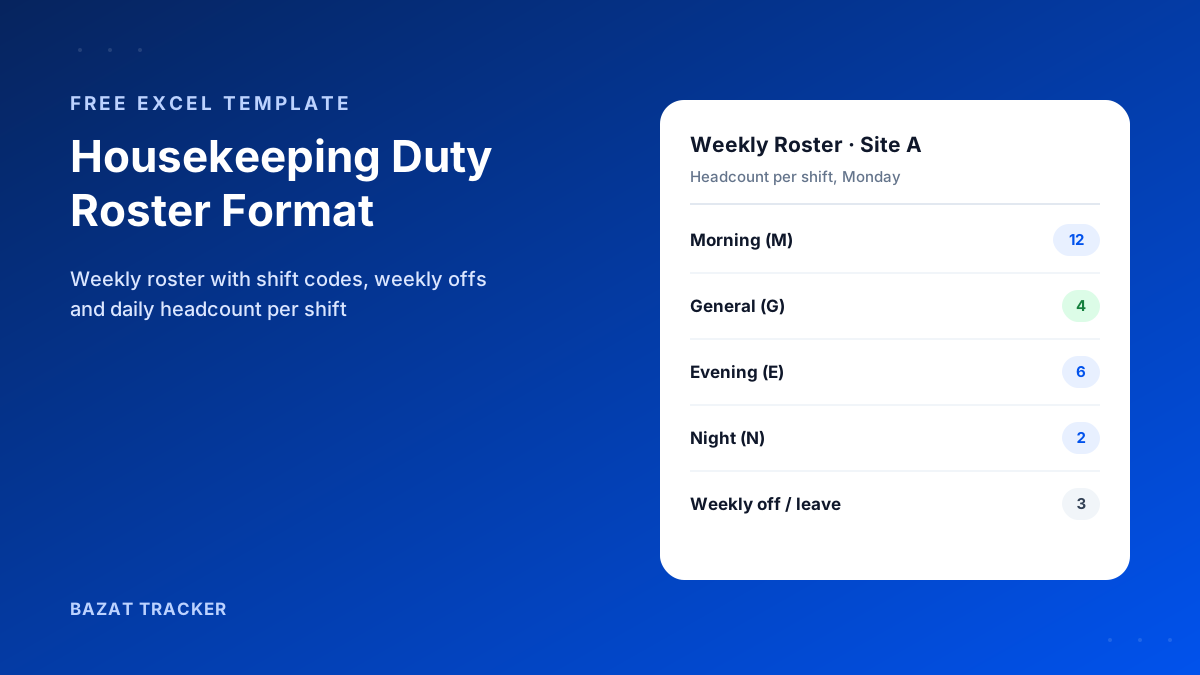
Free Download · Excel
Housekeeping Duty Roster Format
A weekly Excel roster for hotels, offices, hospitals, malls and residential societies.
- Weekly roster with area / zone column
- Shift-code dropdowns (M, G, E, N, OFF, L)
- Automatic duty days per person
- Daily headcount per shift
- Editable shift timings legend
- How-to-use sheet included
Choosing Shift Patterns
The right pattern depends on the site. Here are the common ones in Indian facility management:
Typical patterns
- 1Offices and IT parks: a morning shift before people arrive, a general shift through the day, and a small evening team after hours.
- 2Hospitals: three 8-hour shifts, 24x7, with extra staff around peak hours and discharge times.
- 3Malls: an early team before opening, a general shift through trading hours and a closing team at night.
- 4Residential societies: mostly morning and general shifts, with a small weekend team.
- 5Hotels: three shifts, with room cleaning concentrated around check-out time.
Whatever the pattern, plan the weekly off first.
Labour laws generally require a weekly day of rest, and staggering offs across the week keeps the headcount steady. Check the rules that apply in your state, and plan relievers for weekly offs and approved leave before the week starts, not on the morning of.
How to Build the Week's Roster
A routine that works
- 1Start from the client's contracted headcount for each shift.
- 2Assign each person a zone first, then a shift. Zones change less often than shifts.
- 3Stagger weekly offs so no single day is short.
- 4Add approved leave as L, and assign relievers to those gaps.
- 5Check the headcount row for every shift and day against the contract.
- 6Share the roster with the site supervisor on Saturday for the coming week, and pin a printout in the staff room.
Common Roster Mistakes
Avoid these
- 1No zone column, so staff cluster in easy areas and nobody owns the washrooms.
- 2Weekly offs bunched on Sundays, leaving Sunday short at a hospital or mall.
- 3The same person on night shift for weeks on end.
- 4Relievers planned on the day, after the gap is already visible to the client.
- 5A roster that's never compared with actual attendance.
From Roster to Real Attendance
Here's what a roster can't tell you:
Whether the people on it actually turned up. The roster is the plan; the attendance record is what happened. The gap between the two is where shortfalls, proxy attendance and invoice disputes come from.
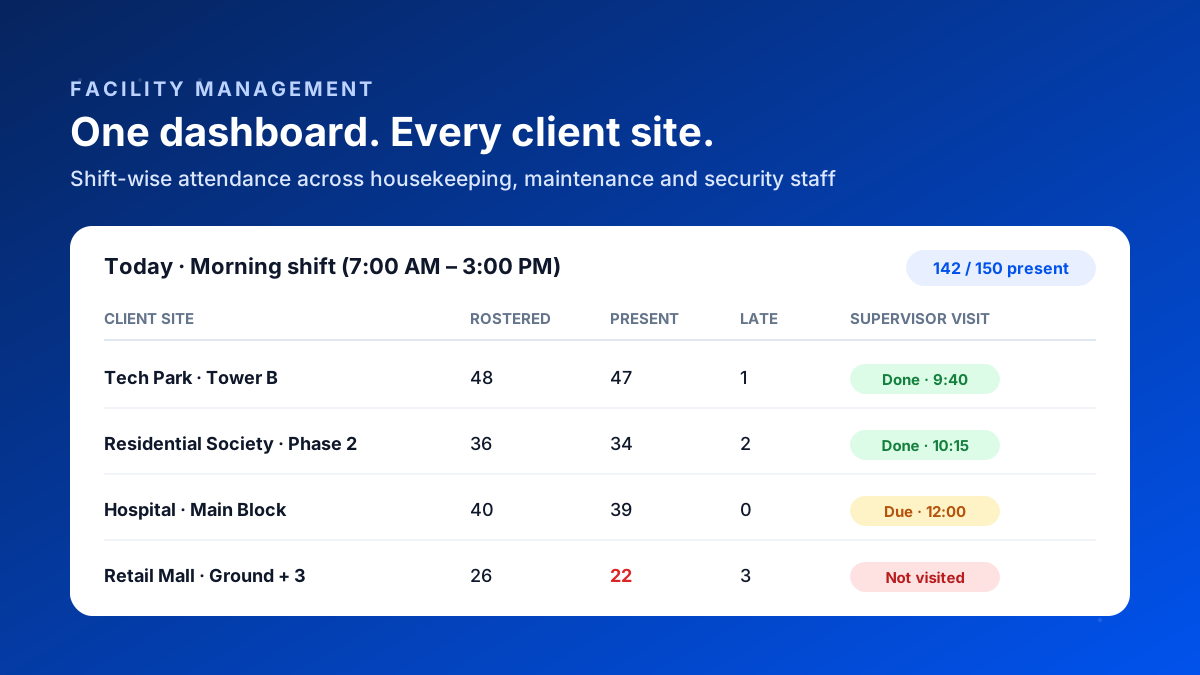
Bazat Tracker closes that gap. Each housekeeping staff member punches in with a face check inside the client site's geofence, matched to their shift, and the dashboard shows who's missing against the plan within minutes of shift start. Verified attendance then flows into payroll and client-wise reports, from ₹249 per user per month on yearly billing.