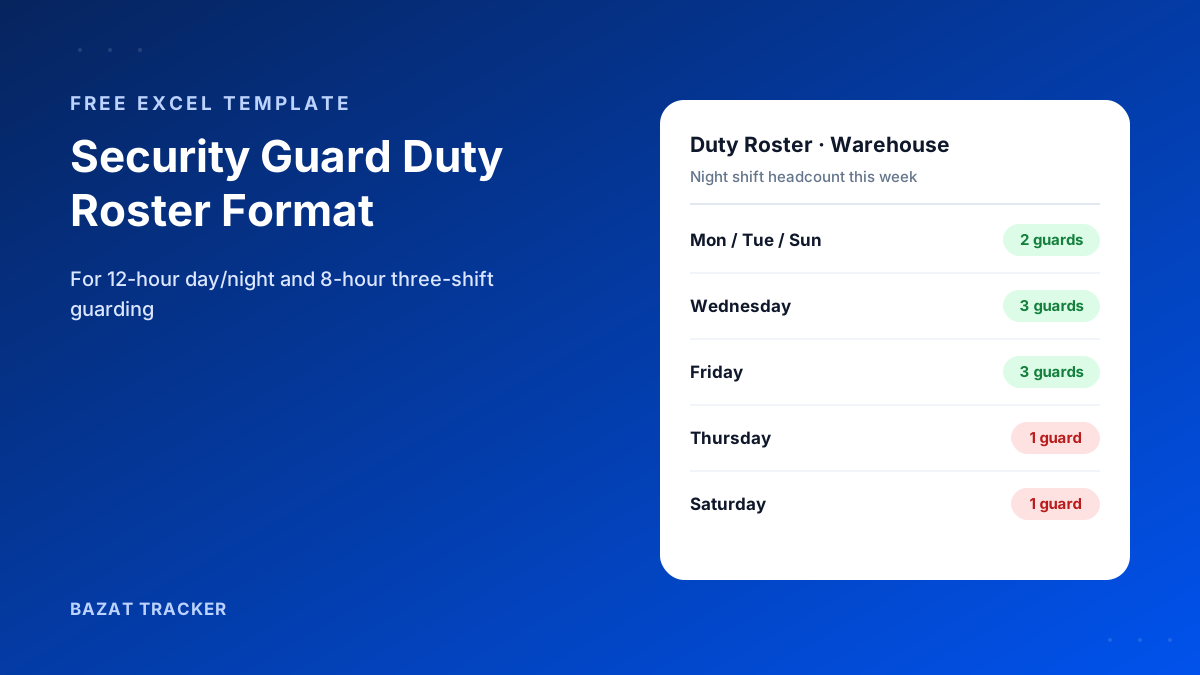
Thursday, 8:15 PM. The rear gate of a client's warehouse is unmanned. The regular night guard has his weekly off, and the reliever was put on the day shift instead. Nobody noticed, because the roster for the week was a list of names on a page, and nobody had counted the night shift.
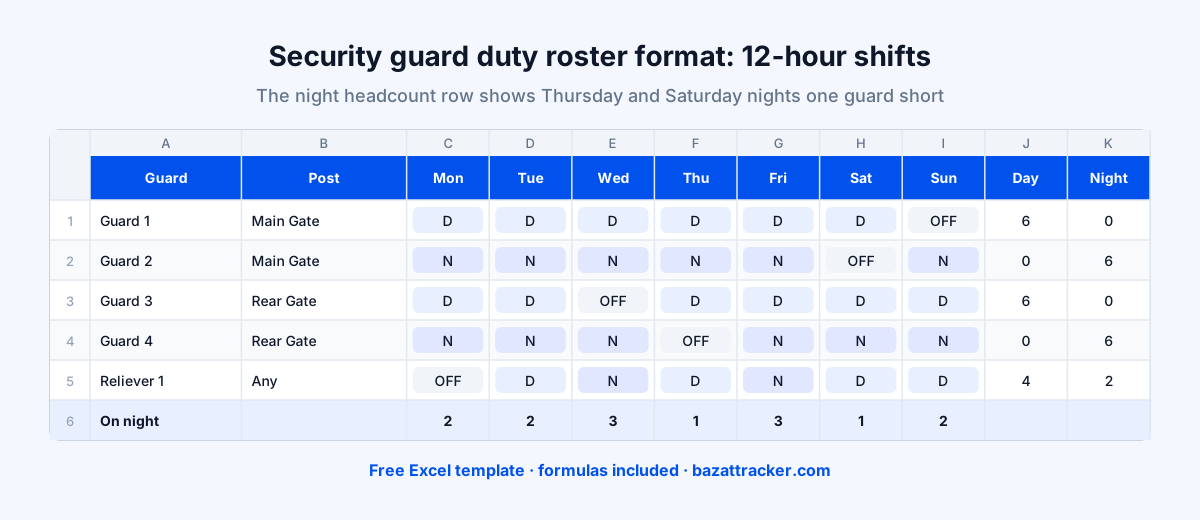
A security guard duty roster is a weekly schedule showing which guard covers which post on which shift, every day. For 12-hour guarding it uses day (D) and night (N) codes; for 8-hour guarding, three shifts (A, B, C). A useful format lists each guard with their post, marks weekly offs and leave, and counts the headcount on every shift each day, so you can see an uncovered post before the shift starts.
That count is the whole point.
A list of names tells you who's working. A headcount per shift per day tells you whether every post is covered, which is what your client is paying for. The free template below does that count automatically.
12-Hour vs 8-Hour Guard Rosters
Most Indian security agencies run one of two patterns, sometimes both across different clients.
Choosing a shift pattern
| 12-hour (D / N) | 8-hour (A / B / C) | |
|---|---|---|
| Shifts per day | 12-hour (D / N)Two: day and night | 8-hour (A / B / C)Three: morning, evening, night |
| Guards per post (24x7) | 12-hour (D / N)Fewer guards per post | 8-hour (A / B / C)More guards per post |
| Fatigue risk | 12-hour (D / N)Higher on long night runs | 8-hour (A / B / C)Lower |
| Overtime exposure | 12-hour (D / N)Higher, as shifts exceed standard hours | 8-hour (A / B / C)Lower |
| Common at | 12-hour (D / N)Warehouses, plants, construction sites | 8-hour (A / B / C)Corporate offices, hospitals, banks |
The template includes both, on separate sheets. Overtime and working-hours rules vary by state, so check which pattern your contracts and local rules support.
What the Roster Should Include
Columns and fields
- 1Client, site and week, plus the number of posts to cover per shift.
- 2Guard ID, name and grade (guard, head guard, supervisor, reliever).
- 3Post: the gate, tower, lobby or patrol beat the guard covers.
- 4One column per day with a shift code from a dropdown.
- 5Total day and night shifts per guard, to spot long runs of nights.
- 6Total duty days, to make sure every guard gets a weekly off.
- 7Headcount per shift per day, compared against the posts to cover.
Free Download · Excel
Security Guard Duty Roster Format
A weekly Excel roster with sheets for 12-hour and 8-hour guarding.
- 12-hour (D / N) and 8-hour (A / B / C) sheets
- Post and grade columns, relievers included
- Shift-code dropdowns
- Day and night totals per guard
- Daily headcount per shift
- How-to-use sheet included
How to Build a Guard Roster That Covers Every Post
Start from the posts, not the guards.
Step by step
- 1List every post at the site and how many guards each needs per shift.
- 2Assign regular guards to fixed posts. Guards who know the post spot problems faster.
- 3Stagger weekly offs so no single day or night is short.
- 4Assign relievers to the exact posts and shifts left open by offs and leave.
- 5Check the headcount row for every shift against the posts to cover. Any shortfall is an unmanned post.
- 6Share the roster with the field supervisor and guards before the week starts.
In the illustrative week above, the reliever's days were planned without checking the night count, which left Thursday and Saturday nights one guard short. The headcount row catches that in seconds; a list of names doesn't.
Roster Rules Worth Following
Good practice
- 1Limit long runs of consecutive night shifts, and rotate guards off nights regularly.
- 2Never roster a guard for a day shift straight after a night shift.
- 3Give every guard a weekly off, and check the rest-day rules that apply in your state.
- 4Register relievers before their first shift, so cover guards aren't unknown faces at the post.
- 5Keep the roster and attendance separate: the roster is the plan, attendance is the proof.
Where the Roster Ends and Verification Begins
Here's the gap every agency knows:
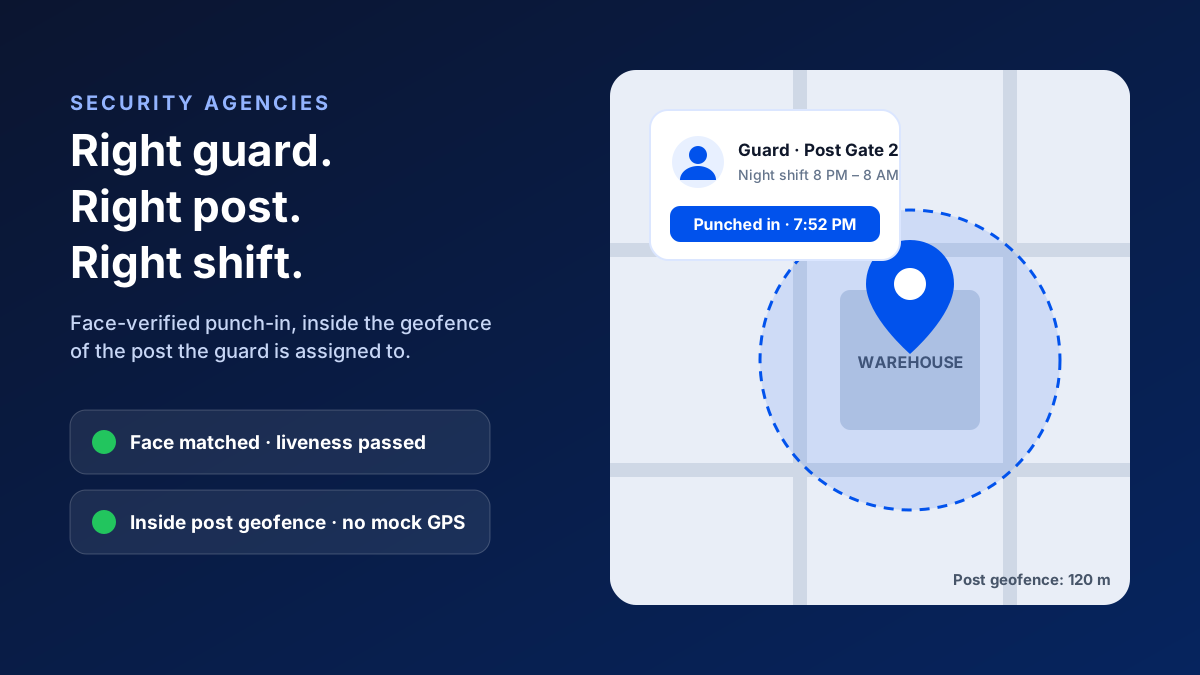
A perfect roster doesn't stop a substitute from covering a shift under someone else's name, or a guard from leaving the post at 2 AM. The roster says who should be there; only verified attendance says who was.
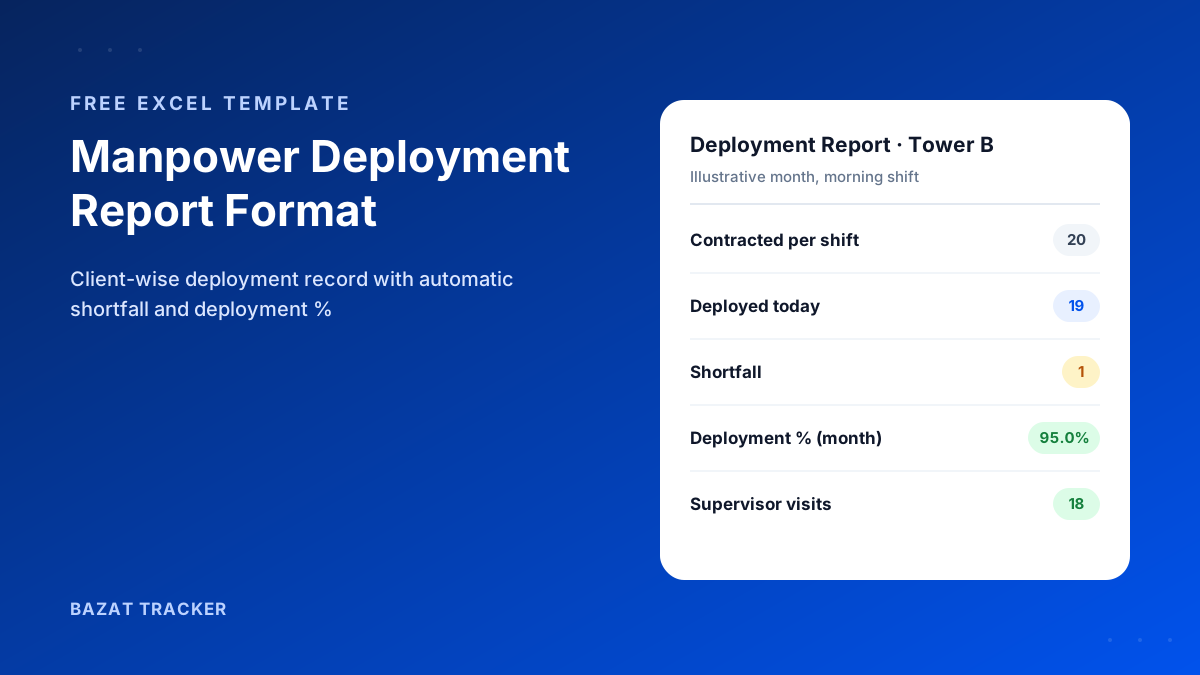
Bazat Tracker checks every guard's face at punch-in, inside the geofence of their assigned post, handles overnight shifts as one shift, and flags guards who leave the post boundary during duty hours. Client-wise deployment reports and guard payroll come from the same record, from ₹249 per user per month on yearly billing.